

If your dehumidifier’s clean filter light stays on, it’s usually a sign that the filter wasn’t properly reset or the sensor is faulty. This common issue can affect performance and energy use, but it’s often easy to fix with a few simple steps.
Key Takeaways
- Improper filter reinsertion: The filter may not be seated correctly, preventing the sensor from detecting it.
- Dirty or clogged filter sensor: Dust buildup on the sensor can cause false readings even after cleaning.
- Faulty filter sensor or switch: Over time, the internal switch can wear out and fail to reset.
- Control board malfunction: Electrical issues in the control panel may keep the light illuminated.
- Filter not fully dry: Reinstalling a damp filter can trigger the warning light.
- Model-specific reset procedures: Some dehumidifiers require a manual reset after cleaning the filter.
- Regular maintenance prevents issues: Cleaning the filter monthly reduces the chance of persistent warning lights.
📑 Table of Contents
Why Does the Clean Filter Light Stay On in the Dehumidifier?
You’ve just spent ten minutes carefully removing, rinsing, and drying your dehumidifier’s filter—only to plug the unit back in and see that stubborn “Clean Filter” light still shining bright. Frustrating, right? You know the filter is clean, so why won’t the light turn off?
This is one of the most common complaints among dehumidifier owners, and while it might seem like a major problem, it’s usually something simple. The clean filter light is designed to remind you when it’s time to clean the air filter—typically every 30 to 60 days depending on usage and humidity levels. But sometimes, even after cleaning, the light refuses to go off. This doesn’t necessarily mean your dehumidifier is broken. In most cases, it’s a communication issue between the filter, the sensor, and the control system.
Understanding why this happens starts with knowing how the system works. Most modern dehumidifiers use a combination of physical switches, optical sensors, or pressure-sensitive mechanisms to detect whether the filter is in place and clean. When the filter gets clogged with dust, pet hair, or mold, airflow decreases, and the sensor triggers the warning light. Once you clean the filter and reinstall it, the sensor should reset—but sometimes it doesn’t. That’s when you’re left staring at that glowing indicator, wondering what went wrong.
In this guide, we’ll walk you through the most common reasons the clean filter light stays on, how to troubleshoot each issue, and what you can do to prevent it from happening again. Whether you’re dealing with a Frigidaire, Honeywell, GE, or any other brand, these tips apply to most residential dehumidifiers. Let’s dive in and get that light turned off for good.
How the Clean Filter Light System Works
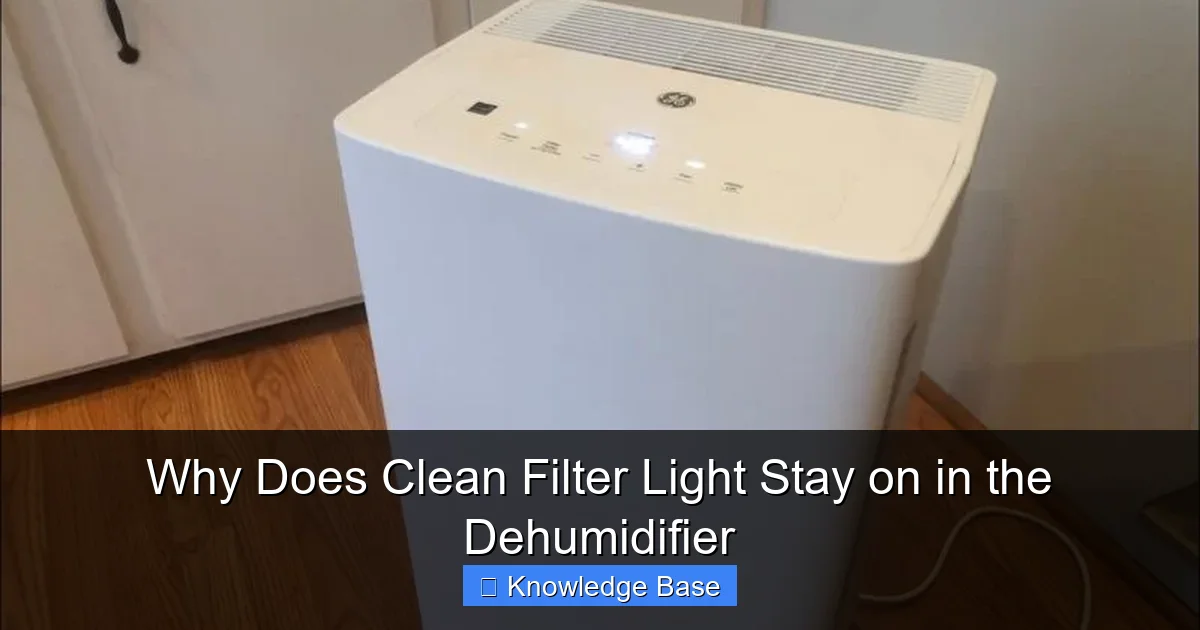
Visual guide about Why Does Clean Filter Light Stay on in the Dehumidifier
Image source: bestdehumidifierchoice.com
Before we can fix the problem, it helps to understand how the clean filter light system actually functions. Think of it like a security system for your dehumidifier’s airflow. The system is designed to monitor the condition of the air filter and alert you when it’s time for maintenance. But unlike a simple timer, many dehumidifiers use real-time sensors to detect airflow or filter resistance.
Types of Filter Detection Systems
There are three main types of filter detection systems used in dehumidifiers:
1. Mechanical Switch (Microswitch): This is the most common type. A small lever or button inside the filter compartment gets pressed when the filter is properly installed. If the filter is missing, dirty, or not seated correctly, the switch isn’t activated, and the light stays on. These switches are reliable but can wear out over time or get stuck due to dust or debris.
2. Optical Sensor: Some higher-end models use an infrared sensor that detects whether the filter is blocking light. When the filter is clean and in place, light passes through or reflects properly. If the filter is clogged or missing, the sensor triggers the warning. These sensors are more precise but can be fooled by dirt buildup on the sensor itself.
3. Airflow Sensor: A few advanced dehumidifiers monitor actual airflow through the unit. If the airflow drops below a certain threshold—often due to a dirty filter—the system assumes the filter needs cleaning. This method is highly accurate but also more complex and expensive.
Why the Light Might Not Turn Off
No matter which system your dehumidifier uses, the core issue is the same: the unit isn’t receiving the “all clear” signal from the filter. This could be because:
– The filter isn’t fully inserted.
– The sensor is dirty or obstructed.
– The switch is stuck or damaged.
– The control board isn’t processing the signal correctly.
For example, imagine you’re trying to close a door, but there’s a crumpled piece of paper blocking the latch. The door looks closed, but the sensor still thinks it’s open. That’s exactly what happens when a filter isn’t seated properly—the switch doesn’t engage, and the light stays on.
Real-World Example: The Stuck Microswitch
Let’s say you have a 30-pint dehumidifier in your basement. You clean the filter every month, but this time, the light won’t turn off. You check the filter—it’s clean and dry. You reinsert it carefully, but the light remains. Upon closer inspection, you notice that the little plastic tab on the side of the filter compartment isn’t clicking into place. That tab is part of the microswitch mechanism. If it’s bent or the switch is gummed up with dust, it won’t register the filter as installed.
This is a classic case of a mechanical issue masquerading as an electronic one. The solution? Clean the switch area with a cotton swab and compressed air, or gently bend the tab back into position.
Understanding how your dehumidifier detects the filter is the first step toward solving the problem. Once you know the system, you can work backward from the light to find the root cause.
Common Causes of a Persistent Clean Filter Light
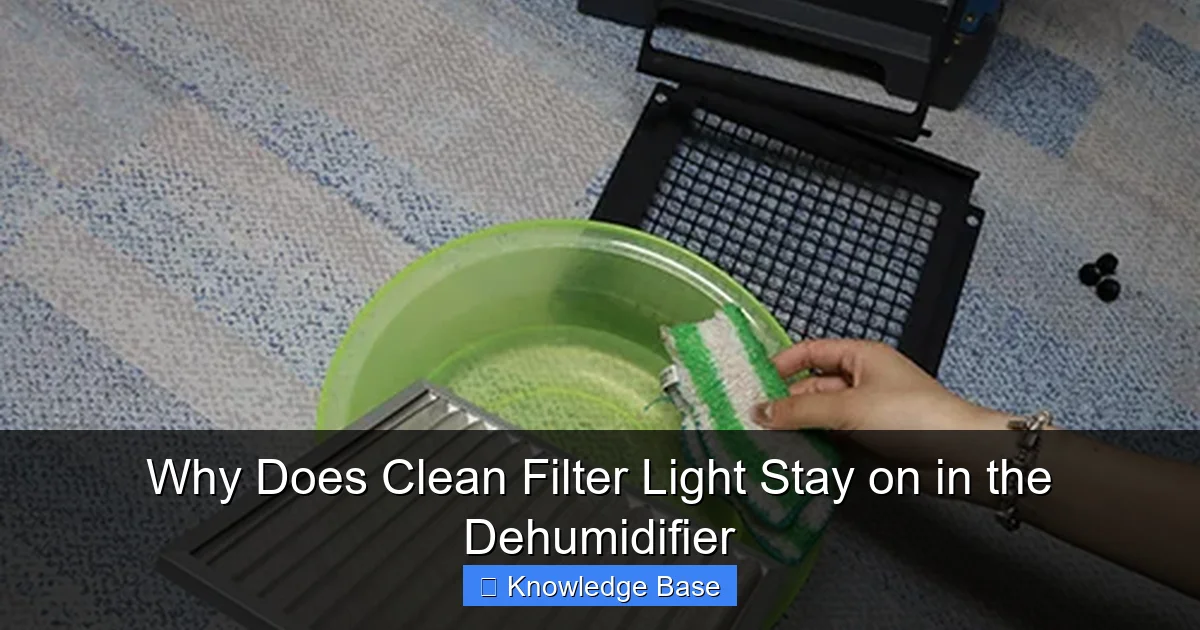
Visual guide about Why Does Clean Filter Light Stay on in the Dehumidifier
Image source: preair.com
Now that you know how the system works, let’s look at the most common reasons the clean filter light stays on—even after you’ve done everything right.
1. Filter Not Properly Reinstalled
This is the #1 culprit. It sounds simple, but it happens more often than you’d think. After cleaning, the filter may not be aligned correctly, or it might be inserted upside down or backward. Some filters have a specific orientation—marked with arrows or labels—and installing them incorrectly can prevent the sensor from detecting them.
Tip: Always check the user manual for your model. Look for alignment guides, arrows, or notches that show the correct way to insert the filter. If your filter has a mesh side and a pleated side, make sure the pleated side faces the airflow direction (usually toward the fan).
2. Dirty or Obstructed Sensor
Even if the filter is clean and properly installed, the sensor itself might be dirty. Over time, dust, lint, or moisture can build up on the sensor lens (in optical systems) or around the microswitch. This buildup can block the signal, making the dehumidifier think the filter is still dirty or missing.
How to fix it: Turn off and unplug the unit. Use a soft, dry cloth or a cotton swab to gently clean around the filter compartment. For optical sensors, use a lens cleaning wipe. Avoid using water or cleaning sprays near electrical components.
3. Faulty or Worn-Out Microswitch
Microswitches are mechanical parts, and like all mechanical parts, they can wear out. After hundreds of on/off cycles, the internal spring or contact points may fail. When this happens, the switch no longer responds to the filter being inserted, so the light stays on.
Signs of a bad switch: The light stays on even with a new filter. The switch feels loose or doesn’t click when pressed. You may need to replace the switch or the entire filter housing assembly.
4. Control Board or Software Glitch
In some cases, the issue isn’t mechanical at all—it’s electronic. The control board, which manages all the dehumidifier’s functions, might have a software glitch or a faulty connection. This can cause the clean filter light to remain on even when the sensor is working correctly.
Example: A power surge or sudden shutdown might reset the system incorrectly. Some models require a hard reset (unplugging for 5–10 minutes) to clear temporary errors.
5. Filter Not Fully Dry
This one catches people off guard. If you rinse the filter and reinstall it while it’s still damp, moisture can interfere with the sensor—especially in optical systems. Water droplets can refract light or create a film that blocks the sensor’s view.
Best practice: Always let the filter air-dry completely—preferably for 24 hours—before reinstalling. If you’re in a hurry, use a fan to speed up drying, but never use heat, as it can damage the filter material.
6. Model-Specific Reset Requirements
Some dehumidifiers don’t automatically reset the clean filter light when you reinstall the filter. Instead, they require a manual reset through the control panel. For example, you might need to press and hold the “Filter” button for 3–5 seconds after cleaning.
Check your manual: Look for instructions like “After cleaning the filter, press and hold the Filter Reset button.” If you can’t find the manual, search online using your model number.
7. Using the Wrong Filter
Believe it or not, using a non-original or incompatible filter can cause the light to stay on. Third-party filters may not fit perfectly or may lack the necessary tabs or cutouts to trigger the sensor.
Solution: Stick to manufacturer-recommended filters. If you must use a generic one, double-check that it matches the size, shape, and sensor alignment of the original.
8. Environmental Factors
High humidity, dust, or pet hair can accelerate filter clogging and sensor fouling. If you live in a particularly dusty home or have multiple pets, you may need to clean the filter more often—and check the sensor regularly.
Pro tip: Keep the area around the dehumidifier clean. Vacuum nearby surfaces weekly to reduce airborne debris that can clog the filter faster.
By identifying which of these causes applies to your situation, you can take targeted action to fix the problem—and prevent it from happening again.
Step-by-Step Troubleshooting Guide
Now that you know the possible causes, let’s walk through a systematic approach to fixing the clean filter light. Follow these steps in order, and you’ll likely solve the issue without needing to call a technician.
Step 1: Power Down and Unplug
Safety first. Always turn off the dehumidifier and unplug it from the wall before inspecting or cleaning any internal components. This prevents electrical shock and protects the unit from accidental activation.
Step 2: Remove and Inspect the Filter
Take out the filter and examine it closely. Is it clean? Is it damaged? Look for tears, warping, or excessive dirt that might have been missed during cleaning. If the filter is old or falling apart, it’s time to replace it—even if it looks okay.
Tip: Most filters should be replaced every 6–12 months, depending on usage. Cleaning alone won’t restore a degraded filter.
Step 3: Clean the Filter Compartment
Use a vacuum with a brush attachment to remove dust and debris from the filter slot. Pay special attention to the area around the sensor or microswitch. If you see visible dirt or lint, wipe it away with a dry cloth.
Step 4: Check the Sensor or Switch
Locate the sensor or switch inside the compartment. For microswitches, press the lever gently with your finger to see if it clicks. If it feels loose or unresponsive, it may be faulty. For optical sensors, look for a small lens or LED—clean it with a lens wipe.
Step 5: Reinstall the Filter Correctly
Make sure the filter is oriented properly. Look for arrows, labels, or notches that indicate the correct direction. Push it in firmly until it seats completely. You should feel or hear a slight click if there’s a microswitch.
Step 6: Perform a Manual Reset (If Required)
Check your user manual for reset instructions. On many models, you’ll need to press and hold the “Filter” or “Reset” button for 3–5 seconds after reinstalling the filter. Some units may require you to press multiple buttons in sequence.
Step 7: Plug In and Test
Plug the dehumidifier back in and turn it on. Wait a few minutes to see if the clean filter light turns off. If it does, great! If not, move to the next step.
Step 8: Try a Hard Reset
Unplug the unit again and wait 5–10 minutes. This allows the control board to fully reset. Plug it back in and see if the light behaves differently. Sometimes a temporary glitch is all that’s causing the issue.
Step 9: Test with a Known Good Filter
If you have a spare filter (or can borrow one), try installing it. If the light turns off, the original filter may be damaged or incompatible. If the light stays on, the problem is likely with the sensor, switch, or control board.
Step 10: Contact Customer Support
If none of the above steps work, it’s time to reach out to the manufacturer. Provide your model number and describe the troubleshooting steps you’ve taken. They may offer a firmware update, replacement part, or repair service.
Bonus Tip: Keep a Maintenance Log
To avoid future issues, keep a simple log of when you clean or replace the filter. Note any unusual behavior, like the light staying on. This can help you spot patterns and catch problems early.
By following this step-by-step guide, you’ll be able to diagnose and fix most clean filter light issues on your own—saving time, money, and frustration.
Preventing the Clean Filter Light from Coming Back
Fixing the problem is one thing—keeping it from happening again is another. The good news? A little prevention goes a long way. With regular maintenance and smart habits, you can keep your dehumidifier running smoothly and avoid that annoying light altogether.
Clean the Filter Regularly
The most effective way to prevent the clean filter light from coming on is to clean the filter before it gets too dirty. Most manufacturers recommend cleaning every 30 to 60 days, but in high-humidity or high-dust environments, you may need to do it more often.
Schedule it: Set a monthly reminder on your phone or calendar. Make it part of your regular home maintenance routine—like changing HVAC filters or testing smoke detectors.
Inspect the Sensor Monthly
Even if the filter is clean, the sensor can get dirty. Once a month, take a quick look inside the filter compartment. Use a flashlight to check for dust, lint, or moisture around the sensor or switch. A quick wipe with a dry cloth can prevent false readings.
Use High-Quality Filters
Cheap filters may save you a few dollars upfront, but they can cause problems down the line. Low-quality materials may not fit properly, degrade faster, or fail to trigger the sensor. Invest in OEM (original equipment manufacturer) filters or reputable third-party brands that are certified for your model.
Keep the Area Around the Dehumidifier Clean
Dust and pet hair don’t just clog the filter—they can also settle inside the unit and affect the sensor. Vacuum the floor and nearby surfaces weekly. If possible, place the dehumidifier on a raised platform to reduce floor-level dust intake.
Avoid Overloading the Unit
Running your dehumidifier non-stop in extremely humid conditions can cause the filter to clog faster. If you notice the light coming on more frequently, consider using a hygrometer to monitor humidity levels. Aim for 30–50% indoor humidity. If it’s consistently higher, you may need a larger unit or additional ventilation.
Check for Airflow Obstructions
Make sure nothing is blocking the air intake or exhaust vents. Furniture, curtains, or storage boxes can restrict airflow, making the dehumidifier work harder and the filter clog faster. Leave at least 6–12 inches of clearance around the unit.
Update Firmware (If Available)
Some smart dehumidifiers receive firmware updates that fix bugs, including sensor glitches. Check the manufacturer’s website or app periodically for updates. Installing the latest firmware can resolve persistent issues with warning lights.
Replace the Filter Annually
Even with regular cleaning, filters degrade over time. The mesh can stretch, the pleats can collapse, and the material can lose its effectiveness. Replace the filter at least once a year—or sooner if you notice reduced performance or frequent light warnings.
Store the Unit Properly During Off-Seasons
If you don’t use your dehumidifier year-round (e.g., in mild climates), store it properly during the off-season. Clean the filter, dry the water tank, and cover the unit to prevent dust buildup. This ensures it’s ready to go when you need it again.
By adopting these preventive measures, you’ll not only keep the clean filter light off but also extend the life of your dehumidifier and improve its efficiency. A little effort now can save you from bigger problems later.
When to Call a Professional
Most clean filter light issues can be resolved with DIY troubleshooting. But there are times when it’s best to call in a professional. Knowing when to seek help can save you from making the problem worse or voiding your warranty.
Persistent Light After All Troubleshooting
If you’ve followed every step—cleaning the filter, checking the sensor, performing resets, and testing with a new filter—and the light still won’t turn off, the issue may be internal. This could indicate a faulty control board, damaged wiring, or a failed sensor that requires replacement.
Unusual Noises or Smells
If the dehumidifier is making grinding, buzzing, or burning smells along with the persistent light, stop using it immediately. These could be signs of electrical or mechanical failure that pose a safety risk.
Water Leaks or Reduced Performance
A clean filter light that won’t turn off, combined with water pooling around the unit or reduced dehumidification, suggests a deeper problem. It could be a clogged drain line, frozen coils, or a refrigerant issue—all of which require professional diagnosis.
Under Warranty
If your dehumidifier is still under warranty, contact the manufacturer before attempting any repairs. Opening the unit or replacing parts yourself could void the warranty. Most brands offer free troubleshooting support and may send a technician or replacement part at no cost.
Complex Repairs
Replacing a control board, microswitch, or optical sensor isn’t always straightforward. These components are often soldered or integrated into the housing. Unless you’re experienced with electronics, it’s safer to let a certified technician handle it.
How to Find a Qualified Technician
Look for HVAC or appliance repair services with experience in dehumidifiers. Check online reviews, ask for certifications (like EPA 608 for refrigerant handling), and request a quote before work begins. Some manufacturers also have authorized service centers listed on their websites.
Cost Considerations
Repair costs vary, but simple fixes like replacing a microswitch may cost $50–$100, while control board replacements can run $150–$300. Compare the repair cost to the price of a new unit—if the repair is more than 50% of a new dehumidifier’s cost, replacement may be the better option.
Knowing when to call a professional ensures your dehumidifier stays safe, efficient, and under warranty. Don’t hesitate to seek help when needed.
Conclusion
The clean filter light on your dehumidifier is designed to help you maintain optimal performance—but when it stays on after cleaning, it can be more annoying than helpful. The good news is that in most cases, the issue is simple to fix. Whether it’s a misaligned filter, a dirty sensor, or a required manual reset, the solution is often just a few steps away.
By understanding how the filter detection system works, following a systematic troubleshooting process, and practicing regular maintenance, you can keep that light off and your dehumidifier running efficiently. Remember: prevention is key. Clean the filter regularly, inspect the sensor, and use high-quality parts to avoid recurring problems.
And if all else fails, don’t hesitate to reach out to the manufacturer or a qualified technician. Your dehumidifier is an important part of your home’s comfort and air quality—it deserves proper care.
So the next time that clean filter light glows stubbornly after cleaning, don’t panic. Take a deep breath, follow the steps in this guide, and get back to enjoying dry, comfortable air.
Frequently Asked Questions
Why does the clean filter light stay on even after I cleaned the filter?
The most common reason is that the filter wasn’t reinstalled correctly or the sensor is dirty. Make sure the filter is seated properly and check for dust around the sensor or microswitch.
Can a dirty sensor cause the clean filter light to stay on?
Yes. Dust or moisture on the sensor can block its signal, making the dehumidifier think the filter is still dirty. Clean the sensor gently with a dry cloth or cotton swab.
Do I need to replace the filter if the light won’t turn off?
Not necessarily. Try reinserting the current filter first. If the light persists, test with a new filter. If the new filter works, the old one may be damaged or incompatible.
How do I reset the clean filter light on my dehumidifier?
Check your user manual. Many models require you to press and hold the “Filter” or “Reset” button for 3–5 seconds after cleaning. Some need a hard reset (unplugging for 5–10 minutes).
Can I use a generic filter without the light coming on?
It depends. Generic filters may not fit perfectly or trigger the sensor. For best results, use manufacturer-recommended filters or verify compatibility before purchasing.
Is it safe to use the dehumidifier if the clean filter light stays on?
It’s generally safe, but performance may suffer. A clogged or improperly detected filter can reduce airflow and efficiency. Fix the issue as soon as possible to maintain optimal operation.