
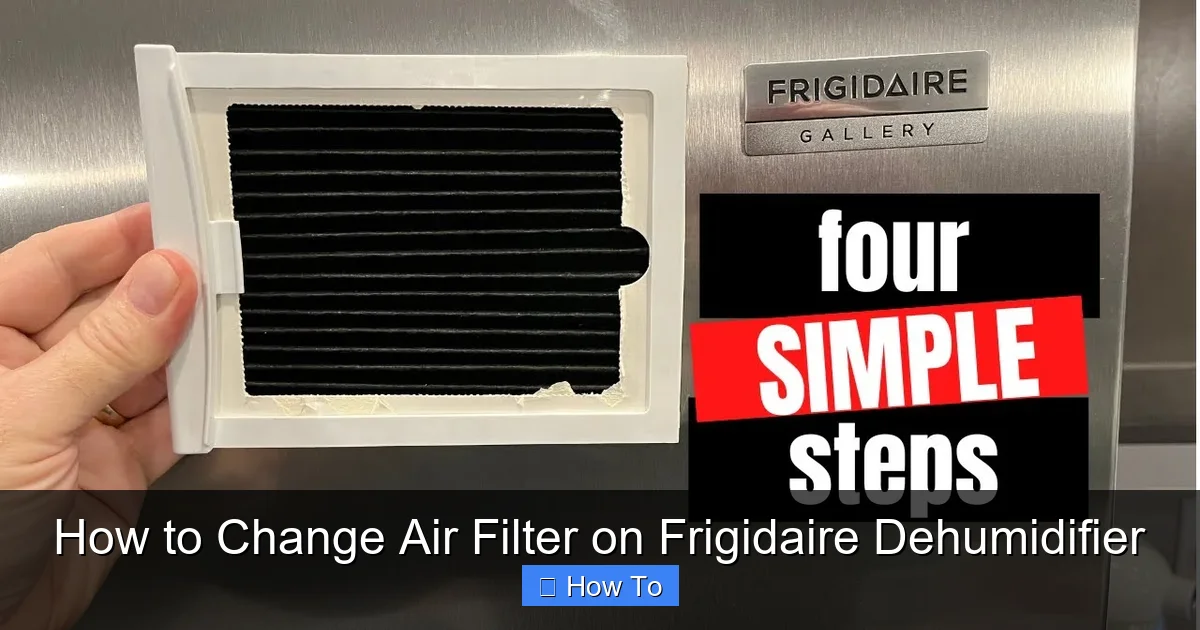
Changing the air filter on your Frigidaire dehumidifier is a quick and essential maintenance task that ensures optimal performance and cleaner air. This guide walks you through every step, from locating the filter to reinstalling it correctly, so your dehumidifier works like new.
Quick Answers to Common Questions
How often should I check the air filter?
Check the filter every 2–4 weeks, especially during humid seasons or if you have pets. A dirty filter reduces efficiency and can damage the unit over time.
Can I wash a disposable filter?
No. Disposable filters are made of paper or non-woven fabric and should be replaced, not cleaned. Washing them can damage the material and reduce effectiveness.
What if my model doesn’t have a filter?
Some compact or older Frigidaire dehumidifiers may not include a replaceable air filter. In that case, focus on cleaning the coils and vents regularly to maintain airflow.
Where can I buy a replacement filter?
You can purchase genuine Frigidaire filters online through the official website, Amazon, or appliance retailers. Always match the model number for compatibility.
Why is the filter light still on after replacement?
You likely need to reset the indicator. Press and hold the “Filter” or “Reset” button for 3–5 seconds, or follow the specific instructions in your user manual.
How to Change Air Filter on Frigidaire Dehumidifier
Keeping your Frigidaire dehumidifier in top condition doesn’t require a technician—just a little know-how and regular maintenance. One of the most important tasks? Changing the air filter. Over time, dust, pet dander, mold spores, and other airborne particles build up on the filter, reducing airflow and forcing your dehumidifier to work harder. This not only lowers efficiency but can also shorten the lifespan of your unit.
In this comprehensive guide, you’ll learn exactly how to change the air filter on your Frigidaire dehumidifier—step by step. Whether you’re a first-time user or just need a refresher, we’ll cover everything from safety precautions to troubleshooting common issues. By the end, you’ll be confident in maintaining your dehumidifier like a pro, ensuring it continues to protect your home from excess moisture and poor air quality.
Why Changing the Air Filter Matters

Visual guide about How to Change Air Filter on Frigidaire Dehumidifier
Image source: i.ytimg.com
Before diving into the steps, it’s important to understand why this simple task is so crucial. The air filter in your Frigidaire dehumidifier serves as the first line of defense against airborne contaminants. As air is drawn into the unit, the filter traps dust, allergens, and debris, preventing them from entering the internal components.
When the filter becomes clogged, several problems can occur:
– Reduced airflow, which slows down the dehumidification process
– Increased energy consumption as the unit struggles to pull in air
– Overheating of the compressor or fan motor
– Poor indoor air quality, especially for those with allergies or asthma
Regularly changing or cleaning the filter ensures your dehumidifier operates efficiently, saves energy, and delivers cleaner, healthier air. Most manufacturers, including Frigidaire, recommend checking the filter every 2–4 weeks, especially during high-humidity seasons or if you have pets or live in a dusty environment.
What You’ll Need
Before starting, gather these supplies to make the process smooth and hassle-free:
– A replacement air filter (check your model number for compatibility)
– A soft brush or vacuum with a brush attachment (if cleaning a reusable filter)
– Mild soap and water (for washable filters)
– A clean, dry cloth
– A screwdriver (only if your model requires it—most Frigidaire dehumidifiers use tool-free access)
Tip: Always purchase filters designed for your specific Frigidaire model. Using the wrong size or type can lead to poor performance or even damage. You can find your model number on a label usually located on the back or bottom of the unit.
Step-by-Step Guide to Changing the Air Filter
Follow these detailed steps to safely and effectively change the air filter on your Frigidaire dehumidifier.
Step 1: Turn Off and Unplug the Unit
Safety first! Before touching any part of your dehumidifier, make sure it’s completely powered down. Turn off the unit using the control panel, then unplug it from the electrical outlet. This prevents accidental startup and protects you from electrical shock.
Even if the unit appears off, internal components may still hold a charge. Unplugging ensures total safety during maintenance.
Step 2: Locate the Air Filter
The air filter is typically located behind a front grille or access panel on the back or side of the dehumidifier. On most Frigidaire models, it’s behind the front cover.
To find it:
– Look for a removable grille or panel with small vents or louvers.
– Some models have a latch or clip that releases the cover when pressed.
– Others may require gently pulling the grille outward.
If you’re unsure, consult your user manual. The manual will show an exploded diagram of the unit and point out the exact location of the filter.
Step 3: Remove the Filter Cover or Grille
Once you’ve located the filter compartment, carefully remove the cover:
– If it’s held by clips, press the tabs inward and pull the grille away from the unit.
– If it uses screws, use a screwdriver to remove them and set them aside in a safe place.
– Some models have a sliding panel—gently slide it to the side to reveal the filter.
Be gentle. The grille is usually made of plastic and can crack if forced.
Step 4: Take Out the Old Filter
With the cover removed, you’ll see the air filter inside. It’s typically a rectangular mesh or foam panel.
To remove it:
– Gently pull the filter straight out. It should slide out easily.
– If it’s stuck, wiggle it slightly while pulling—don’t force it.
– Note the orientation of the filter (which side faces in, which way it’s angled) so you can reinstall the new one correctly.
Set the old filter aside. If it’s visibly dirty—covered in dust, hair, or mold—it’s definitely time for a replacement.
Step 5: Inspect and Clean (If Reusable)
Not all Frigidaire dehumidifier filters are the same. Some are washable and reusable, while others are disposable and must be replaced.
Check your user manual or look for labeling on the filter itself:
– If it says “washable” or “reusable,” you can clean it.
– If it’s a paper or non-woven fabric filter, it’s likely disposable.
For reusable filters:
– Rinse it under lukewarm water to remove loose debris.
– Use a soft brush to gently scrub away stubborn dirt.
– For greasy or smelly filters, soak in a solution of mild soap and water for 10–15 minutes.
– Rinse thoroughly and let it air dry completely—do not reinstall a wet filter, as this can promote mold growth.
Never use harsh chemicals, bleach, or hot water, as these can damage the filter material.
Step 6: Install the New or Cleaned Filter
Once the filter is clean and dry (or if you’re using a new one), it’s time to reinstall it.
Follow these tips:
– Make sure the filter is oriented correctly. Most have an arrow indicating airflow direction—point this toward the unit.
– Slide the filter back into the slot, ensuring it sits flat and secure.
– Don’t force it. If it doesn’t fit easily, double-check the model number and orientation.
A properly installed filter should fit snugly without gaps. Gaps allow unfiltered air to bypass the filter, reducing efficiency.
Step 7: Reattach the Filter Cover or Grille
After the filter is in place, resecure the cover:
– Align the grille or panel with the unit.
– Press it firmly until all clips snap into place.
– If you removed screws, reinsert and tighten them—don’t overtighten, as this can crack the plastic.
Make sure the cover is fully closed and secure. An open or loose grille can disrupt airflow and trigger error codes on some models.
Step 8: Plug In and Turn On the Unit
Now that everything is back in place, reconnect your dehumidifier:
– Plug it back into a grounded outlet.
– Turn it on using the control panel.
– Set your desired humidity level and let it run for a few minutes.
Listen for unusual noises or reduced airflow, which could indicate improper installation.
Step 9: Reset the Filter Indicator Light (If Applicable)
Many Frigidaire dehumidifiers come with a filter change indicator light that turns on after a set number of operating hours.
To reset it:
– Locate the “Filter” or “Reset” button on the control panel.
– Press and hold it for 3–5 seconds until the light turns off.
– Some models may require you to press the “Power” and “Filter” buttons simultaneously.
Refer to your user manual for exact instructions, as reset procedures vary by model.
How Often Should You Change the Filter?
The frequency of filter changes depends on several factors:
– **Usage:** If you run your dehumidifier daily, check the filter every 2 weeks.
– **Environment:** Homes with pets, smokers, or high dust levels may need weekly checks.
– **Season:** Humid summer months often require more frequent maintenance.
– **Filter Type:** Disposable filters typically last 1–3 months; washable ones can last longer with proper care.
As a general rule, inspect the filter every 2–4 weeks. If it looks dirty or clogged, clean or replace it immediately.
Troubleshooting Common Issues
Even with proper maintenance, you might encounter a few hiccups. Here’s how to handle common problems:
Filter Doesn’t Fit Properly
– Double-check the model number and ensure you have the correct filter.
– Confirm the orientation—some filters are directional.
– Trim excess material only if the filter is slightly oversized and the manual allows it.
Unit Won’t Turn On After Filter Change
– Make sure the filter cover is fully closed and secured.
– Check that the unit is plugged in and the outlet is working.
– Reset the filter indicator if the unit has a safety lockout feature.
Reduced Airflow or Efficiency
– Verify the filter is clean and properly installed.
– Check for blockages in the air intake or exhaust vents.
– Ensure the water tank isn’t full, as this can shut off the unit.
Filter Light Won’t Reset
– Try unplugging the unit for 5 minutes, then plug it back in and reset.
– Consult the manual—some models require a specific button sequence.
– If the light persists, the internal timer may need professional recalibration.
Tips for Long-Term Maintenance
Changing the filter is just one part of keeping your Frigidaire dehumidifier in great shape. Follow these additional tips for optimal performance:
– Empty the water tank regularly to prevent overflow and mold growth.
– Clean the exterior with a damp cloth and mild detergent.
– Inspect the coils and fan blades every 6 months for dust buildup.
– Store the unit in a dry, cool place during off-seasons.
– Schedule professional servicing every 2–3 years for deep cleaning and refrigerant checks.
Conclusion
Changing the air filter on your Frigidaire dehumidifier is a simple yet vital task that pays big dividends in performance, efficiency, and air quality. By following this step-by-step guide, you can keep your unit running smoothly with minimal effort. Remember to check the filter regularly, use the correct replacement, and always prioritize safety by unplugging the unit first.
With consistent maintenance, your dehumidifier will continue to protect your home from excess moisture, musty odors, and allergens—year after year. So grab that filter, follow these steps, and breathe easier knowing your Frigidaire is working at its best.