
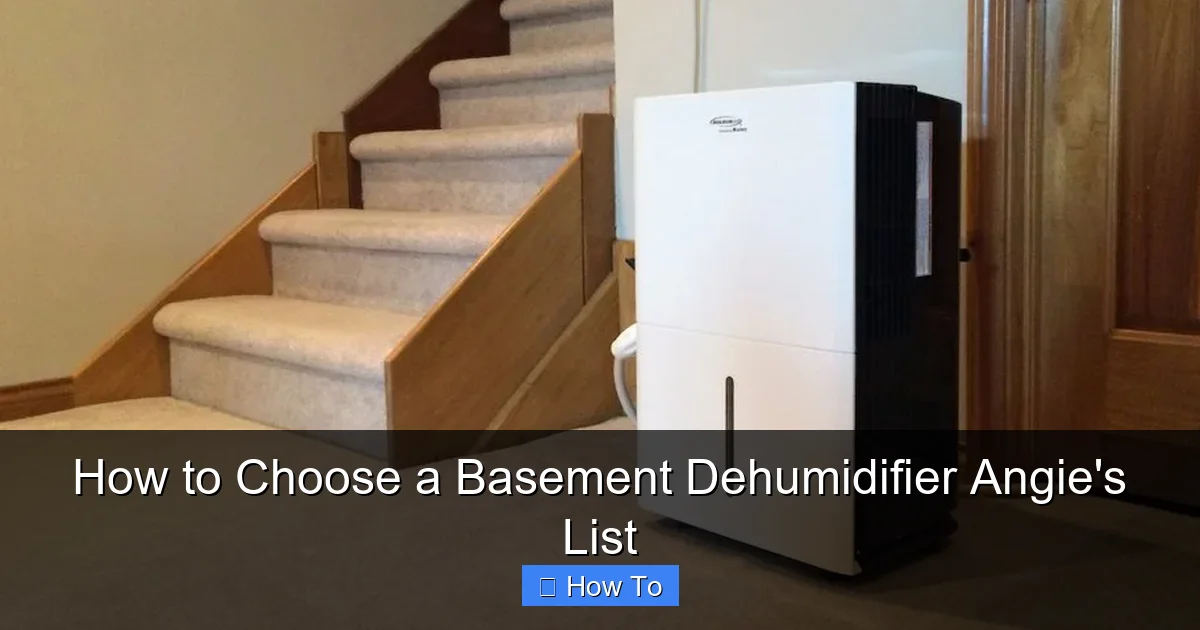
Choosing the right basement dehumidifier can prevent mold, musty odors, and structural damage. This guide walks you through key factors like capacity, energy efficiency, and smart features to help you pick the best model for your space.
Quick Answers to Common Questions
What size dehumidifier do I need for a 1,200 sq. ft. basement?
For a 1,200 sq. ft. basement with moderate dampness, choose a 30–40 pint dehumidifier. If the area floods or has high humidity, go for 50 pints.
Should I get a dehumidifier with a pump?
Yes, if your basement lacks a floor drain or the hose needs to go uphill. A built-in pump allows flexible drainage to sinks, windows, or sump pumps.
How often should I clean the filter?
Clean the air filter every 2–4 weeks during heavy use. A dirty filter reduces efficiency and can cause the unit to overheat.
Can I run a dehumidifier in winter?
Only if the basement stays above 65°F. Below that, moisture freezes on the coils. Look for models with auto-defrost for cold climates.
Is a smart dehumidifier worth the extra cost?
If you want remote control, humidity alerts, or integration with smart home systems, yes. For basic use, a standard model may suffice.
How to Choose a Basement Dehumidifier: A Step-by-Step Guide from Angie’s List
If your basement smells musty, feels damp, or shows signs of mold, it’s time to consider a dehumidifier. Basements are naturally prone to high humidity due to poor ventilation, groundwater seepage, and cooler temperatures. Left unchecked, excess moisture can damage stored items, weaken your home’s foundation, and even affect your family’s health.
But with so many models on the market, how do you pick the right one? That’s where this guide comes in. Based on expert insights from Angie’s List and real user experiences, we’ll walk you through everything you need to know to choose a basement dehumidifier that’s effective, efficient, and built to last. Whether you’re dealing with a small crawl space or a full-sized finished basement, we’ve got you covered.
By the end of this guide, you’ll understand how to assess your basement’s needs, compare key features, and select a dehumidifier that fits your budget and lifestyle. Let’s get started.
Step 1: Assess Your Basement’s Moisture Level
Before buying any appliance, it’s important to understand the problem you’re solving. Not all basements have the same humidity issues. Some may only need light moisture control, while others require heavy-duty dehumidification due to flooding or poor drainage.
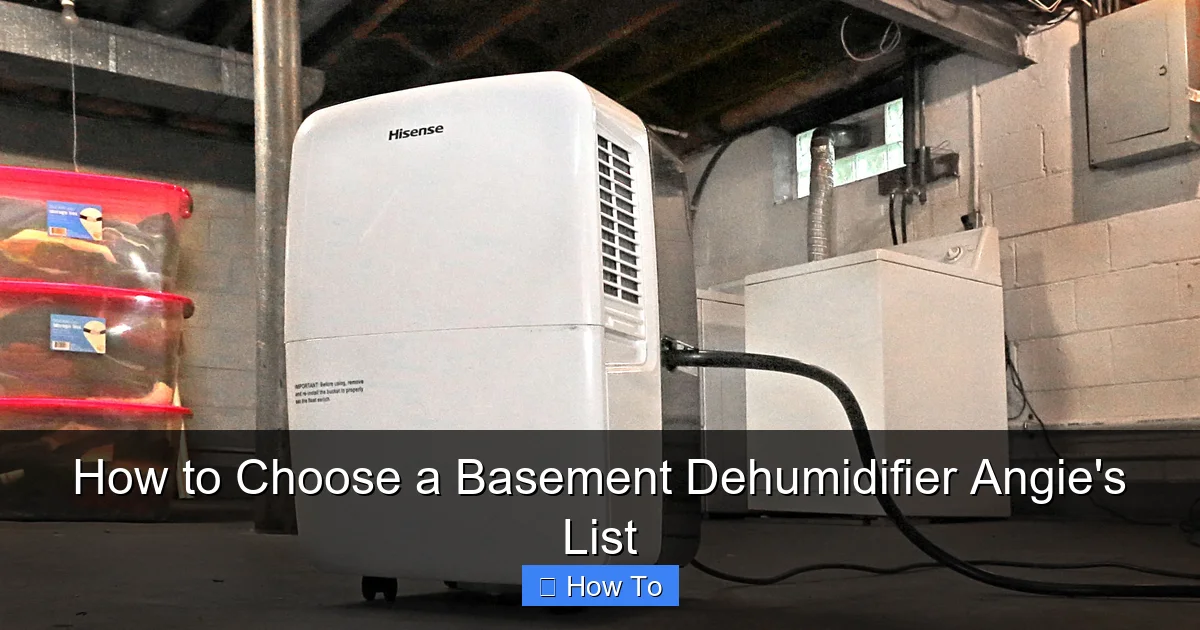
Visual guide about How to Choose a Basement Dehumidifier Angie’s List
Image source: media.angieslist.com
Check for Visible Signs of Moisture
Start by inspecting your basement for common signs of excess humidity:
- Water stains on walls or floors
- Peeling paint or wallpaper
- Warped wood or rust on metal fixtures
- Musty or earthy odors
- Visible mold or mildew growth
If you notice any of these, your basement likely has a moderate to severe moisture problem.
Use a Hygrometer to Measure Humidity
A hygrometer is a small, inexpensive device that measures relative humidity (RH). You can find digital hygrometers at most hardware stores or online for under $20.
For a healthy basement, aim for a humidity level between 30% and 50%. Levels above 60% create an ideal environment for mold and dust mites. If your readings are consistently in the 60–80% range, you’ll need a powerful dehumidifier.
Determine the Severity of the Problem
Based on your observations and hygrometer readings, classify your basement’s moisture level:
- Mild: Occasional dampness, no standing water, humidity around 50–60%
- Moderate: Frequent dampness, minor seepage after rain, humidity 60–70%
- Severe: Standing water, flooding, strong odors, humidity above 70%
This classification will help you choose the right capacity and features for your dehumidifier.
Step 2: Choose the Right Capacity (Pints per Day)
Dehumidifiers are rated by how many pints of moisture they can remove in 24 hours. This is known as the “pints per day” (PPD) rating. Choosing the right capacity is crucial—too small, and it won’t keep up; too large, and you’ll waste energy.
Match Capacity to Basement Size and Moisture Level
Use this general guideline to match dehumidifier capacity to your basement:
- Small basements (up to 1,000 sq. ft.): 20–30 pints per day
- Medium basements (1,000–2,000 sq. ft.): 30–50 pints per day
- Large basements (2,000+ sq. ft.): 50+ pints per day
But size isn’t the only factor. You also need to consider moisture severity:
- Mild conditions: Choose the lower end of the capacity range
- Moderate conditions: Go for the middle range
- Severe conditions: Opt for the higher end or even a commercial-grade unit
Example: Picking the Right Size
Let’s say you have a 1,500 sq. ft. basement with moderate dampness after heavy rains. A 40-pint dehumidifier would be a good fit. But if your basement floods occasionally, consider a 50-pint model with a built-in pump for continuous drainage.
Beware of Overrated Claims
Some manufacturers exaggerate pints-per-day ratings under ideal lab conditions. Look for AHAM (Association of Home Appliance Manufacturers) certified ratings, which are tested under real-world conditions and more reliable.
Step 3: Consider Energy Efficiency
Dehumidifiers run for long periods, so energy efficiency matters. A model that uses less electricity can save you hundreds of dollars over its lifetime.
Look for the Energy Star Label
Energy Star-certified dehumidifiers are at least 10% more efficient than standard models. They use advanced compressors and refrigerants to remove moisture with less energy.
For example, a 50-pint Energy Star dehumidifier might use around 500 watts, while a non-certified model could use 600+ watts for the same output.
Check the Energy Factor (L/kWh)
The Energy Factor measures how efficiently a dehumidifier removes moisture per kilowatt-hour of electricity. Higher numbers mean better efficiency.
- Good: 1.5–1.8 L/kWh
- Better: 1.8–2.2 L/kWh
- Best: 2.2+ L/kWh
Always compare this number when shopping, especially for larger units.
Calculate Annual Operating Cost
To estimate how much a dehumidifier will cost to run:
- Find the wattage (usually listed on the label or manual)
- Multiply by hours used per day
- Multiply by your electricity rate (check your utility bill)
- Multiply by 365 for annual cost
Example: A 500-watt dehumidifier running 10 hours a day at $0.12/kWh costs about $219 per year. An Energy Star model using 400 watts would cost around $175—saving $44 annually.
Step 4: Evaluate Drainage Options
One of the most frustrating parts of using a dehumidifier is emptying the water bucket. Fortunately, modern models offer several drainage solutions to make maintenance easier.
Manual Bucket Drainage
Most dehumidifiers come with a built-in bucket that collects water. When full, the unit shuts off and alerts you (usually with a light or beep). You then remove and empty the bucket.
This is fine for small spaces or occasional use, but it’s inconvenient if you’re away from home or have a high-moisture basement.
Gravity Drain Hose
Many dehumidifiers have a drain hose outlet. You can attach a standard garden hose and route it to a floor drain, sump pump, or outside.
Pros:
- No need to empty buckets
- Continuous operation
Cons:
- Requires a downward slope (gravity-fed)
- Hose must be secured to prevent leaks
This is ideal for basements with floor drains or window access.
Built-in Pump (Condensate Pump)
High-end models include a built-in pump that can push water upward or across long distances. This is perfect for basements without floor drains or when the hose needs to go up to a sink or window.
Example: The hOmeLabs 50-Pint Dehumidifier with Pump can pump water up to 15 feet vertically, making it great for tricky installations.
Auto-Humidistat and Shut-Off
Look for a model with an auto-humidistat that turns the unit on and off based on humidity levels. This prevents over-drying and saves energy. Some also have a “full bucket” auto-shutoff for safety.
Step 5: Look for Smart Features and Controls
Today’s dehumidifiers come with advanced features that improve convenience, performance, and safety.
Digital Humidistat
A digital humidistat lets you set your desired humidity level (e.g., 45%). The unit automatically maintains that level, turning on only when needed.
This is more precise than manual controls and helps prevent energy waste.
Programmable Timer
A timer allows you to schedule when the dehumidifier runs—great for running it during off-peak electricity hours or when you’re away.
Some models offer 24-hour scheduling, so you can set it to run only at night or during rainy days.
Remote Control or Smart App
Premium models come with Wi-Fi connectivity and smartphone apps. You can monitor humidity, adjust settings, and receive alerts from anywhere.
Example: The Frigidaire Gallery Smart Dehumidifier works with Alexa and Google Assistant, so you can say, “Hey Google, set the basement humidity to 40%.”
Air Filtration System
Many dehumidifiers include washable or replaceable air filters that trap dust, allergens, and mold spores. This improves air quality, especially in finished basements used as living spaces.
Look for models with HEPA or activated carbon filters for maximum purification.
Defrost Function
In cold basements (below 65°F), moisture can freeze on the coils, reducing efficiency. A defrost function automatically melts ice, ensuring consistent performance year-round.
This is essential if your basement is unheated or used as a garage.
Step 6: Consider Noise Level
Dehumidifiers use fans and compressors, which can be noisy—especially in open basements or finished spaces.
Check the Decibel (dB) Rating
Noise levels are measured in decibels (dB). Lower numbers mean quieter operation.
- Quiet: Under 50 dB (like a quiet conversation)
- Moderate: 50–55 dB (like a refrigerator)
- Loud: Over 55 dB (like a dishwasher)
For basements near bedrooms or living areas, aim for a model under 50 dB.
Look for Quiet Mode or Sleep Mode
Some dehumidifiers have a “quiet” or “sleep” mode that reduces fan speed at night. This lowers noise but may slightly reduce dehumidification speed.
Placement Matters
Even the quietest unit can sound louder if placed on a hard surface. Use rubber pads or place it on a rug to dampen vibrations. Keep it away from walls to allow proper airflow.
Step 7: Read Reviews and Compare Brands
With so many options, it’s smart to research before buying. Angie’s List, Consumer Reports, and Amazon reviews offer real-world insights.
Check Angie’s List for Local Insights
Angie’s List provides verified customer reviews and ratings for home services and products. Look for dehumidifier brands with high satisfaction scores and low complaint rates.
Pay attention to comments about:
- Reliability over time
- Customer service responsiveness
- Ease of maintenance
- Noise and performance
Compare Top Brands
Some of the most trusted dehumidifier brands include:
- Frigidaire: Known for reliability and Energy Star models
- hOmeLabs: Offers high-capacity units with pumps and smart features
- Keystone: Budget-friendly with solid performance
- GE: Durable and widely available
- Danby: Great for large spaces and commercial use
Compare models side by side using features, price, and warranty.
Warranty and Support
A good warranty shows the manufacturer stands behind their product. Look for at least a 1-year parts and labor warranty. Some brands offer 2–5 years on compressors.
Also, check if the company offers easy returns, repair services, and customer support via phone or chat.
Step 8: Set a Budget and Shop Smart
Dehumidifiers range from $150 to $600+, depending on size and features.
Budget Breakdown
- Basic models (20–30 pints): $150–$250
- Mid-range (30–50 pints): $250–$400
- High-end (50+ pints, smart features): $400–$600+
Don’t just go for the cheapest option. A $200 dehumidifier that breaks in two years costs more than a $350 model that lasts five.
Where to Buy
You can find dehumidifiers at:
- Home improvement stores (Home Depot, Lowe’s)
- Appliance retailers (Best Buy, AJ Madison)
- Online (Amazon, Walmart, manufacturer websites)
Look for seasonal sales—spring and early summer often have discounts as humidity rises.
Consider Installation and Accessories
Factor in the cost of hoses, filters, or professional installation if needed. Some units require electrical upgrades or drainage modifications.
Troubleshooting Common Issues
Even the best dehumidifier can have problems. Here’s how to fix common issues:
Unit Won’t Turn On
- Check the power cord and outlet
- Ensure the bucket is properly seated
- Reset the circuit breaker
Not Removing Enough Moisture
- Clean the air filter (clogged filters reduce airflow)
- Check for frost on coils (may need defrost function)
- Ensure room temperature is above 65°F
Water Leaking
- Inspect the bucket for cracks
- Check hose connections for leaks
- Make sure the unit is level
Too Noisy
- Place on a soft surface
- Clean fan blades
- Ensure nothing is blocking airflow
Conclusion
Choosing the right basement dehumidifier doesn’t have to be overwhelming. By assessing your basement’s moisture level, selecting the correct capacity, and prioritizing energy efficiency and smart features, you can find a unit that keeps your space dry and healthy.
Remember to read reviews from trusted sources like Angie’s List, compare brands, and consider long-term costs—not just the upfront price. A quality dehumidifier is an investment in your home’s structural integrity and your family’s well-being.
With the right model, you’ll say goodbye to musty smells, mold growth, and dampness—and hello to a cleaner, more comfortable basement.