
Dehumidifier fan speeds directly impact moisture removal, energy use, and noise levels. Choosing the right setting ensures optimal performance, protects your home from mold, and keeps energy bills low.
Key Takeaways
- Fan speed affects dehumidification efficiency: Higher speeds move more air but may reduce moisture extraction per pass.
- Lower speeds improve moisture removal: Slower airflow allows the coil more time to condense humidity effectively.
- Energy consumption varies by speed: High-speed settings use more electricity, while low speeds are more energy-efficient.
- Noise levels depend on fan speed: Quieter operation is possible on low or medium settings, ideal for bedrooms or offices.
- Auto or smart modes optimize performance: Many modern units adjust fan speed automatically based on humidity levels.
- Proper placement enhances fan effectiveness: Positioning the unit correctly ensures even airflow and better results.
- Seasonal adjustments improve comfort: Adjust fan speeds based on weather and indoor humidity for year-round efficiency.
📑 Table of Contents
Why Dehumidifier Fan Speeds Matter
Have you ever walked into a room that feels sticky, even though the air conditioner is running? Or noticed that your clothes take forever to dry indoors? Chances are, you’re dealing with excess humidity. A dehumidifier can help, but not all dehumidifiers perform the same—even if they have the same capacity. One of the most overlooked yet critical factors in a dehumidifier’s performance is its fan speed. Whether you’re battling damp basements, musty bathrooms, or just trying to breathe easier at home, understanding why dehumidifier fan speeds matter can make a big difference in your comfort and your wallet.
Dehumidifiers work by pulling in moist air, cooling it over cold coils to condense the water vapor, and then reheating the air before releasing it back into the room. The fan is responsible for moving air through this system. But here’s the catch: how fast that fan spins directly influences how well the machine removes moisture, how much energy it uses, and how loud it is. Too fast, and the air might rush through without giving the coils enough time to extract moisture. Too slow, and the unit might struggle to circulate air effectively, especially in larger spaces. Finding the right balance is key—and that’s where fan speed settings come into play.
How Dehumidifier Fan Speeds Affect Moisture Removal
The Science Behind Airflow and Condensation
To understand why fan speed matters, it helps to know a little about how dehumidifiers work. When humid air enters the unit, it passes over cold evaporator coils. As the air cools, its ability to hold moisture drops, causing water vapor to condense into liquid droplets. These droplets collect in a tank or drain hose. The now-drier air is then warmed slightly by the condenser coil and released back into the room.
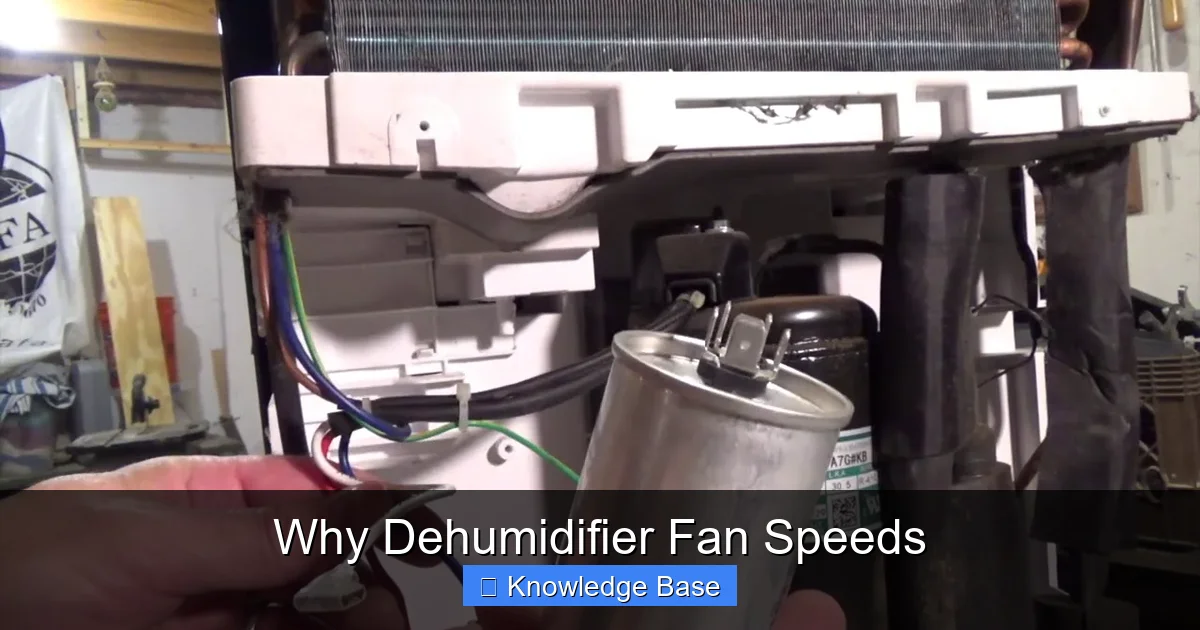
Visual guide about Why Dehumidifier Fan Speeds
Image source: i.ytimg.com
The fan’s job is to pull air through this cycle. But if the fan is running too fast, the air zips through the system before it has enough time to cool and release its moisture. Think of it like trying to dry a wet towel by waving it quickly in the air—it doesn’t stay in one place long enough to dry. On the other hand, if the fan is too slow, the dehumidifier might not move enough air to make a noticeable difference, especially in a large or damp room.
Low vs. High Fan Speed: A Practical Comparison
Let’s say you have a 50-pint dehumidifier in your basement. On a high fan speed, it might process air quickly, but it may only remove 30 pints of moisture per day because the air isn’t spending enough time over the coils. Switch to a low fan speed, and the same unit might pull out 45 or even 50 pints because the air lingers longer, allowing more condensation. This doesn’t mean low is always better—context matters. In a small, extremely damp closet, low speed might be perfect. In a large, moderately humid living area, medium or high might be necessary to circulate air effectively.
Many modern dehumidifiers come with multiple fan speed settings—typically low, medium, and high—and some even have an “auto” mode. Auto mode uses a built-in humidistat to monitor humidity levels and adjust the fan speed accordingly. When humidity is high, it ramps up the fan; when levels drop, it slows down. This smart adjustment helps maintain consistent comfort while saving energy.
Energy Efficiency and Fan Speed
Power Consumption Across Settings
One of the biggest reasons people care about fan speed is energy use. Dehumidifiers can be power-hungry appliances, especially if they run for long periods. The fan motor contributes significantly to this consumption. Running the fan at high speed uses more electricity than running it at low speed. For example, a dehumidifier might draw 600 watts on high fan speed but only 400 watts on low. Over time, that difference adds up.

Visual guide about Why Dehumidifier Fan Speeds
Image source: assets.wfcdn.com
If you’re trying to reduce your energy bill, using a lower fan speed when possible can help. But remember: lower speed doesn’t always mean lower total energy use. If the unit has to run longer to achieve the same moisture removal because the fan is too slow, it might end up using just as much—or even more—energy. The goal is to find the sweet spot where the fan speed matches the humidity level and room size.
Smart Features That Save Energy
Many newer dehumidifiers come with energy-saving features that automatically adjust fan speed based on conditions. For instance, a “smart mode” might start on high to quickly lower humidity after a rainstorm, then switch to low once the air is drier. Some models even have timers or Wi-Fi connectivity, allowing you to control settings remotely or schedule operation during off-peak energy hours.
Another helpful feature is the “continuous drain” option. If you have a floor drain nearby, you can attach a hose so the unit doesn’t need to stop and empty a tank. This allows the dehumidifier to run longer without interruption, which is especially useful on low fan speed settings where runtime is already longer. Just make sure the hose is positioned correctly to avoid leaks or water damage.
Noise Levels and Comfort
How Fan Speed Influences Sound
Let’s be honest—nobody wants a noisy appliance humming in the background all day. Dehumidifiers can be surprisingly loud, especially on high fan speed. The faster the fan spins, the more air it moves, and the more noise it generates. This is due to both the motor and the airflow itself. On high, you might hear a constant whirring or whooshing sound. On low, it’s often much quieter—sometimes barely noticeable.
If you’re using a dehumidifier in a bedroom, home office, or living room, noise can be a major concern. Running the unit on low or medium speed can make a big difference in your comfort. Some models are specifically designed for quiet operation, with insulated cabinets or variable-speed fans that reduce noise. Look for units with a decibel (dB) rating—anything under 50 dB is considered quiet, similar to a whisper or quiet conversation.
Balancing Performance and Peace
You don’t have to sacrifice performance for peace. Many dehumidifiers offer a “quiet mode” or “night mode” that automatically lowers the fan speed during certain hours. This is perfect for overnight use. Alternatively, you can manually switch to low speed when noise is a concern and increase it only when needed—like after a shower or during humid weather.
Placement also plays a role in perceived noise. Putting the dehumidifier on a soft surface like a rug can help absorb vibrations. Avoid placing it directly against a wall or in a corner, as this can amplify sound. Instead, position it in an open area with good airflow, which also helps the unit work more efficiently.
Choosing the Right Fan Speed for Your Space
Room Size and Humidity Level
Not all rooms are created equal when it comes to dehumidification. A small bathroom might only need a low fan speed to keep humidity in check, especially if it’s used infrequently. But a large basement with poor ventilation might require high speed to move enough air through the system.
Start by assessing the humidity level. You can use a hygrometer—a simple, inexpensive device that measures relative humidity. Ideal indoor humidity is between 30% and 50%. If your reading is above 60%, you likely need a dehumidifier. Once you know the humidity level, consider the room size. Most dehumidifiers list their capacity in pints per day and recommended room size (e.g., up to 1,500 square feet). Match the unit to your space, then adjust fan speed accordingly.
Seasonal Adjustments
Humidity levels change with the seasons. In summer, outdoor air is often more humid, and rainstorms can increase indoor moisture. This is when you might want to run the dehumidifier on high or auto mode. In winter, indoor air tends to be drier due to heating systems, so you may only need to run the unit occasionally—or not at all.
Spring and fall can be tricky. You might have damp mornings followed by dry afternoons. In these cases, auto mode is your best friend. It adjusts fan speed based on real-time humidity, so you don’t have to constantly monitor and change settings. Some smart dehumidifiers can even connect to weather apps and anticipate changes in humidity based on forecasts.
Maintenance Tips for Optimal Fan Performance
Clean the Air Filter Regularly
A dirty air filter is one of the most common reasons dehumidifiers underperform—and it affects fan speed indirectly. When the filter is clogged with dust and debris, the fan has to work harder to pull air through. This can cause the motor to overheat, reduce airflow, and even shorten the unit’s lifespan.
Most manufacturers recommend cleaning the filter every two weeks during heavy use. Simply remove the filter, rinse it with warm water, and let it dry completely before reinserting. If the filter is damaged or too dirty to clean, replace it. A clean filter ensures the fan can operate efficiently at any speed.
Check Coils and Drainage
The evaporator and condenser coils also need attention. Over time, they can collect dust and frost, especially in very humid environments. Frost buildup can block airflow and force the unit into defrost mode more frequently, which interrupts dehumidification. Use a soft brush or vacuum attachment to gently clean the coils every few months.
Don’t forget the drainage system. If you’re using a hose for continuous drainage, make sure it’s not kinked or blocked. If you’re using a tank, empty it regularly to prevent overflow. A full tank can trigger an automatic shutoff, stopping the fan and halting moisture removal.
Advanced Features and Future Trends
Variable Speed Fans and Inverter Technology
The latest dehumidifiers are getting smarter. Some now use inverter-driven compressors and variable-speed fans that adjust continuously rather than switching between fixed speeds. This allows for precise control over humidity and energy use. Instead of running at full blast or shutting off, the unit can run at 60% fan speed for hours, maintaining steady conditions without spikes in noise or power draw.
These advanced models often come with digital displays, humidity sensors, and even smartphone apps. You can set your ideal humidity level, monitor performance, and receive alerts when the tank is full or the filter needs cleaning. While they cost more upfront, the long-term savings in energy and improved comfort can make them worth the investment.
Integration with Smart Home Systems
As homes become more connected, dehumidifiers are joining the smart home ecosystem. Some models can sync with thermostats, air purifiers, or whole-home ventilation systems. For example, if your thermostat detects high humidity, it can trigger the dehumidifier to increase fan speed. Or, if your air purifier senses mold spores, it can alert the dehumidifier to run longer.
This level of integration helps maintain a healthy indoor environment with minimal effort. It also allows for data tracking—so you can see how much moisture your home produces over time and adjust habits accordingly. Maybe you’ll realize that running the bathroom fan longer after showers makes a big difference, reducing the need for constant dehumidifier use.
Conclusion
Dehumidifier fan speeds might seem like a minor detail, but they play a major role in how well your unit performs. From moisture removal and energy use to noise levels and comfort, the right fan speed can make all the difference. Whether you’re dealing with a damp basement, a stuffy bedroom, or just trying to breathe easier, understanding how to use fan speed settings effectively is a game-changer.
The key is balance. Don’t just crank the fan to high and forget about it. Instead, match the speed to your room size, humidity level, and daily routine. Use auto mode when available, clean the filter regularly, and consider upgrading to a smart model if you want maximum convenience and efficiency. With the right approach, your dehumidifier can keep your home dry, comfortable, and energy-efficient—all while running quietly in the background.
Frequently Asked Questions
Does a higher fan speed remove more moisture?
Not necessarily. While high fan speed moves more air, it may reduce the time air spends over the coils, limiting moisture condensation. Lower speeds often allow better moisture extraction per pass.
Can I run my dehumidifier on low speed all the time?
Yes, if the humidity level is moderate and the room isn’t too large. Low speed is quieter and more energy-efficient, but may not be sufficient for very damp or large spaces.
Why is my dehumidifier loud on high fan speed?
High fan speed increases airflow and motor activity, which generates more noise. Using lower speeds or placing the unit on a soft surface can help reduce sound.
How often should I change the fan speed setting?
Adjust based on humidity levels, season, and room use. Use auto mode if available, or manually switch speeds when conditions change, like after rain or during humid weather.
Will a dirty filter affect fan performance?
Yes. A clogged filter restricts airflow, forcing the fan to work harder. This can reduce efficiency, increase noise, and potentially damage the motor over time.
Are smart dehumidifiers worth the extra cost?
They can be, especially if you value convenience and energy savings. Smart models adjust fan speed automatically, offer remote control, and often use less energy over time.