
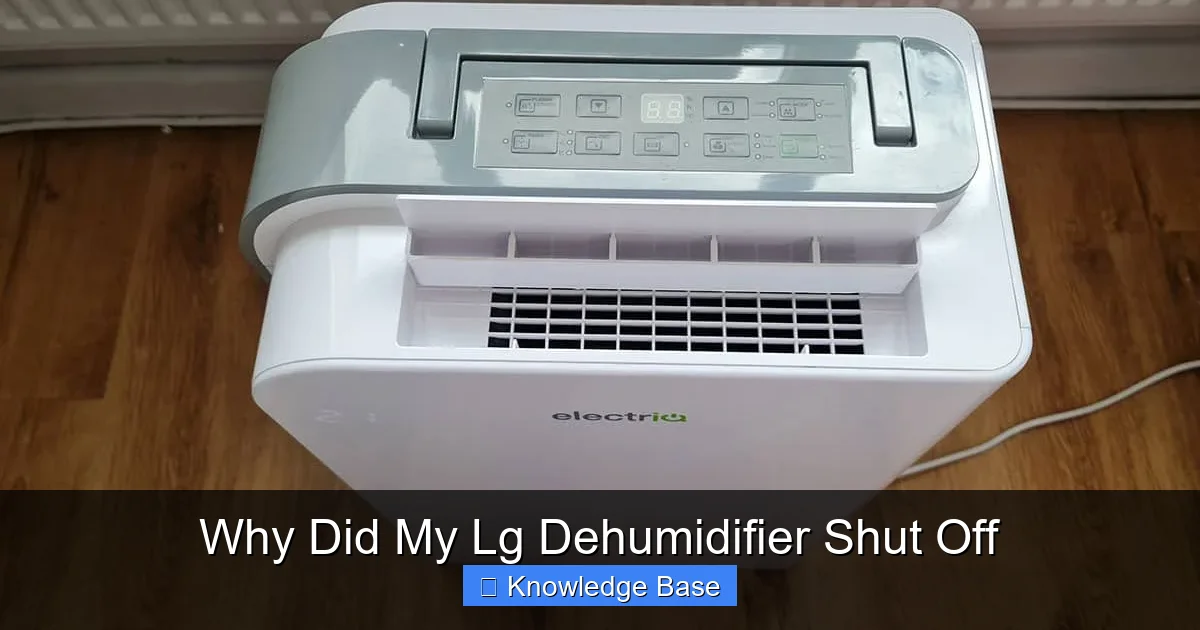
If your LG dehumidifier shut off suddenly, it’s likely due to a safety feature, full water tank, or airflow issue. Most problems are easy to fix with simple checks like emptying the bucket, cleaning filters, or ensuring proper ventilation.
Key Takeaways
- Full water tank: The dehumidifier automatically shuts off when the bucket is full to prevent leaks.
- Dirty or clogged filter: A blocked air filter restricts airflow, causing the unit to overheat and turn off.
- Frost buildup on coils: In low temperatures, ice can form on the coils, triggering a safety shutdown.
- Overheating protection: If internal components get too hot, the dehumidifier powers down to avoid damage.
- Power supply issues: Loose plugs, tripped breakers, or unstable voltage can interrupt operation.
- Sensor or control board malfunction: Faulty sensors may misread humidity levels or send incorrect shutdown signals.
- Improper placement: Blocked vents or confined spaces reduce efficiency and trigger automatic shutoff.
📑 Table of Contents
Why Did My LG Dehumidifier Shut Off? Understanding the Most Common Causes
You’re in the middle of a humid summer afternoon, and your LG dehumidifier—your trusty ally against dampness and musty odors—suddenly powers down. No warning, no noise, just silence. You check the power cord, press the buttons, but nothing happens. Frustrating, right?
Don’t panic. Most of the time, your LG dehumidifier shut off for a good reason—usually to protect itself from damage or to alert you to a simple issue that needs attention. These units are built with multiple safety features designed to prevent leaks, overheating, or mechanical failure. While it might seem like a malfunction, in many cases, it’s actually the dehumidifier doing its job correctly.
The key is understanding *why* it turned off in the first place. Is it a routine safety measure, or is there a deeper problem? In this guide, we’ll walk you through the most common reasons your LG dehumidifier shut off, how to diagnose the issue, and what you can do to get it back up and running efficiently. Whether you’re dealing with a full water tank, a clogged filter, or an unexpected frost buildup, we’ve got practical solutions to help you troubleshoot like a pro.
Common Reasons Your LG Dehumidifier Shut Off
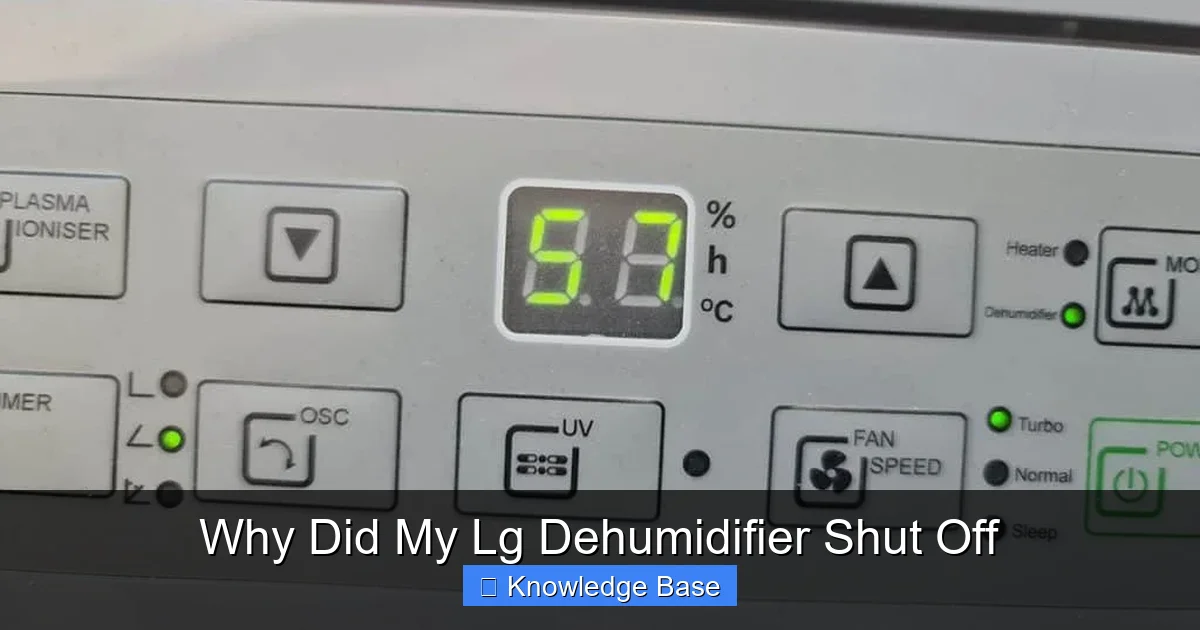
Visual guide about Why Did My Lg Dehumidifier Shut Off
Image source: thehumidistat.com
When your LG dehumidifier shuts off unexpectedly, it’s rarely a sign of a major breakdown. Instead, it’s often responding to one of several routine conditions that trigger automatic shutdowns. Let’s break down the most frequent culprits so you can quickly identify and resolve the issue.
1. The Water Tank Is Full
This is the number one reason most LG dehumidifiers shut off. These units are equipped with a float switch or sensor that detects when the internal water collection bucket is full. Once the tank reaches capacity, the dehumidifier automatically powers down to prevent water from spilling over and causing a mess or electrical hazard.
For example, if you’ve been running your dehumidifier in a particularly damp basement or laundry room, it might fill up faster than expected—especially during humid seasons. The unit will stop working until you empty the tank and reset the float mechanism.
**What to do:**
– Turn off the dehumidifier and unplug it for safety.
– Remove the water bucket (usually located at the front or bottom).
– Empty the collected water.
– Wipe the bucket clean to prevent mold or mildew buildup.
– Reinsert the bucket firmly until it clicks into place.
– Plug the unit back in and restart it.
Most LG models will resume operation automatically once the tank is emptied and properly seated. If it doesn’t restart, double-check that the bucket is fully inserted—sometimes a misaligned tank can prevent the sensor from resetting.
2. Dirty or Clogged Air Filter
Your LG dehumidifier has an air filter that captures dust, pet dander, and other airborne particles. Over time, this filter can become clogged, restricting airflow through the unit. When airflow is reduced, the internal components—especially the evaporator coils—can’t function properly. This leads to overheating, which triggers the thermal cutoff switch and causes the dehumidifier to shut off.
You might notice reduced performance before the shutdown, such as weaker airflow or longer drying times. In some cases, the unit may cycle on and off repeatedly as it tries to cool down.
**What to do:**
– Locate the air filter (usually behind a front or side panel).
– Remove the filter and inspect it for dust and debris.
– If it’s washable (most LG models are), rinse it under lukewarm water.
– Let it air dry completely—never reinstall a wet filter.
– Reinsert the clean, dry filter and restart the unit.
**Pro tip:** Clean the filter every 2–4 weeks during heavy use, or monthly during lighter use. This simple maintenance step can prevent shutdowns and extend the life of your dehumidifier.
3. Frost or Ice Buildup on the Coils
If your LG dehumidifier shut off while operating in a cool environment—like a basement, garage, or unheated room—frost or ice may have formed on the evaporator coils. This happens when the temperature drops below 65°F (18°C), especially if the humidity is high. Moisture in the air freezes on the cold coils, blocking airflow and causing the unit to overheat or short-cycle.
Many LG dehumidifiers have an auto-defrost feature that temporarily shuts off the compressor to allow the ice to melt. However, if the room is too cold or the defrost cycle isn’t working properly, the unit may shut down completely until the ice clears.
**What to do:**
– Turn off the dehumidifier and let it sit for 1–2 hours to allow any ice to melt naturally.
– Move the unit to a warmer area (above 65°F) if possible.
– Ensure the room has adequate ventilation and isn’t excessively damp.
– Restart the dehumidifier once the coils are clear and the room temperature is suitable.
**Note:** Avoid using your dehumidifier in temperatures below 41°F (5°C). Most LG models are designed for indoor use in climate-controlled spaces. Using them in cold garages or sheds can lead to frequent shutdowns and reduced efficiency.
4. Overheating Protection Triggered
LG dehumidifiers are equipped with thermal overload protection to prevent damage from overheating. If the internal temperature rises too high—due to blocked airflow, a dirty filter, or prolonged operation—the thermal cutoff switch will trip, shutting off the unit.
This often happens when the dehumidifier is running nonstop in a hot, poorly ventilated room. The motor and compressor generate heat, and without proper airflow, they can overheat quickly.
**What to do:**
– Turn off the dehumidifier and unplug it.
– Let it cool down for at least 30–60 minutes.
– Check for blocked vents, dirty filters, or objects obstructing airflow.
– Ensure the unit has at least 6–12 inches of clearance on all sides.
– Restart the dehumidifier once it’s cooled and the area is clear.
If the unit shuts off again shortly after restarting, there may be a deeper issue—such as a failing motor or refrigerant leak—that requires professional inspection.
5. Power Supply or Electrical Issues
Sometimes, the reason your LG dehumidifier shut off has nothing to do with the unit itself—it’s an electrical problem. A loose power cord, tripped circuit breaker, or unstable voltage can interrupt power and cause the dehumidifier to shut down unexpectedly.
For example, if your dehumidifier is plugged into an outlet shared with other high-wattage appliances (like a space heater or washing machine), it might cause a power surge or overload, tripping the breaker.
**What to do:**
– Check if the power cord is securely plugged into the outlet.
– Test the outlet with another device to confirm it’s working.
– Look at your home’s circuit breaker panel to see if a breaker has tripped.
– Reset the breaker if needed.
– Avoid using extension cords or power strips, as they can cause voltage drops.
**Tip:** Plug your dehumidifier directly into a dedicated outlet. This ensures stable power and reduces the risk of electrical issues.
Advanced Troubleshooting: When Basic Fixes Don’t Work
Visual guide about Why Did My Lg Dehumidifier Shut Off
Image source: samstores.com
If you’ve tried the common fixes—emptying the tank, cleaning the filter, checking the power—and your LG dehumidifier still shuts off, it’s time to dig deeper. Some issues require more advanced troubleshooting or professional help.
Faulty Humidity Sensor or Control Board
Your LG dehumidifier uses sensors to monitor humidity levels and adjust operation accordingly. If the humidity sensor is dirty, damaged, or malfunctioning, it may send incorrect readings to the control board. This can cause the unit to shut off prematurely—even when the room is still damp—or fail to turn on at all.
Similarly, a failing control board (the “brain” of the dehumidifier) can misinterpret signals and trigger unnecessary shutdowns. This is more common in older units or those exposed to power surges.
**What to do:**
– Wipe the sensor (usually located near the air intake) with a soft, dry cloth.
– Avoid using cleaning chemicals, as they can damage the sensor.
– If the problem persists, consult the user manual for reset instructions.
– If your model has a “Reset” button, press it to restore factory settings.
– If none of these steps work, contact LG customer support or a certified technician.
**Note:** Replacing sensors or control boards typically requires professional service. Attempting DIY repairs on internal electronics can void your warranty.
Compressor or Refrigerant Issues
The compressor is the heart of your dehumidifier, responsible for circulating refrigerant and removing moisture from the air. If the compressor fails or the refrigerant level drops (due to a leak), the unit may shut off to prevent further damage.
Symptoms include:
– The dehumidifier turns on but doesn’t remove moisture.
– Unusual noises (clicking, buzzing, or grinding).
– The unit runs briefly, then shuts off.
**What to do:**
– Listen for unusual sounds when the unit starts.
– Check if the coils are cold—if not, refrigerant may be low.
– If you suspect a compressor or refrigerant issue, stop using the dehumidifier.
– Contact LG support or a licensed HVAC technician for diagnosis and repair.
**Important:** Refrigerant handling requires specialized training and equipment. Never attempt to recharge or repair refrigerant lines yourself.
Preventing Future Shutdowns: Maintenance and Best Practices
The best way to avoid your LG dehumidifier shutting off unexpectedly is through regular maintenance and smart usage habits. A little prevention goes a long way in keeping your unit running smoothly and efficiently.
Regular Cleaning and Filter Care
As mentioned earlier, a clean filter is essential for proper airflow and performance. But don’t stop there—dust and debris can also accumulate on the coils, fan blades, and interior components.
**Maintenance schedule:**
– **Weekly:** Check the water tank and empty if needed.
– **Monthly:** Clean the air filter and wipe down the exterior.
– **Every 3–6 months:** Vacuum the coils and fan area (with the unit unplugged).
Use a soft brush or vacuum attachment to gently remove dust from hard-to-reach areas. Avoid using water or harsh cleaners on internal parts.
Proper Placement and Ventilation
Where you place your dehumidifier matters. Avoid cramped spaces, behind furniture, or near walls. The unit needs room to draw in air and expel moisture.
**Ideal placement tips:**
– Keep at least 6–12 inches of clearance on all sides.
– Place it in the center of the room or near the source of moisture (e.g., laundry area, basement corner).
– Avoid placing it near heat sources like radiators or direct sunlight.
– Ensure the room has some airflow—open a window slightly or use a fan to circulate air.
**Bonus tip:** Use a hygrometer to monitor humidity levels. Aim for 30–50% relative humidity for optimal comfort and efficiency.
Seasonal Considerations
Your dehumidifier’s performance can vary with the seasons. In winter, lower temperatures increase the risk of frost buildup. In summer, high humidity can cause the tank to fill faster.
**Seasonal tips:**
– **Winter:** Use the dehumidifier only in heated areas. Consider a model with auto-defrost if you live in a cold climate.
– **Summer:** Empty the tank more frequently and clean the filter weekly.
– **Spring/Fall:** Monitor humidity levels and adjust settings as needed.
By adapting your usage to the season, you’ll reduce strain on the unit and prevent unnecessary shutdowns.
When to Call a Professional
While most issues with your LG dehumidifier can be resolved with basic troubleshooting, some problems require expert attention. Don’t hesitate to call a professional if:
– The unit shuts off repeatedly after basic fixes.
– You hear unusual noises or smell burning.
– There’s visible damage to the power cord or internal components.
– The dehumidifier leaks water despite an empty tank.
– The compressor won’t start or runs continuously.
LG offers customer support and authorized service centers across the U.S. and many other countries. Check your warranty status—repairs may be covered if the unit is still under warranty.
Conclusion: Stay Ahead of the Shutdown
If your LG dehumidifier shut off, it’s usually a sign that the unit is protecting itself—or alerting you to a simple maintenance task. From a full water tank to a clogged filter, most causes are easy to fix with a little know-how.
By understanding the common triggers and following a regular maintenance routine, you can keep your dehumidifier running efficiently year-round. Remember: a well-cared-for dehumidifier not only prevents shutdowns but also improves air quality, reduces allergens, and protects your home from mold and mildew.
So the next time your LG dehumidifier powers down, don’t stress—just check the basics, give it some TLC, and get back to enjoying fresher, drier air.
Frequently Asked Questions
Why does my LG dehumidifier keep turning off after a few minutes?
This is often due to a dirty filter, full water tank, or overheating. Check and clean the filter, empty the tank, and ensure the unit has proper ventilation. If it continues, the thermal cutoff may be tripping due to restricted airflow.
Can a clogged filter cause my dehumidifier to shut off?
Yes. A clogged filter restricts airflow, causing the coils to freeze or the motor to overheat. This triggers the safety shutdown. Clean or replace the filter every 2–4 weeks during heavy use.
Is it normal for my dehumidifier to shut off when the tank is full?
Absolutely. This is a standard safety feature. The float switch detects when the bucket is full and powers down the unit to prevent leaks. Simply empty the tank and restart.
Why does my LG dehumidifier shut off in cold weather?
In temperatures below 65°F, moisture can freeze on the coils, blocking airflow. Many units have auto-defrost, but if the room is too cold, the dehumidifier may shut off until ice melts. Use it only in heated spaces.
How do I reset my LG dehumidifier after it shuts off?
Unplug the unit for 5–10 minutes, then plug it back in. Some models have a reset button—press it if available. Ensure the water tank is empty and the filter is clean before restarting.
Should I be worried if my dehumidifier shuts off frequently?
Frequent shutdowns may indicate a deeper issue like a faulty sensor, compressor problem, or refrigerant leak. If basic troubleshooting doesn’t help, contact LG support or a technician for diagnosis.