

Your internet cuts out when the dehumidifier kicks on because of electromagnetic interference (EMI) or power surges that disrupt your router or modem. This common issue often stems from electrical noise, poor wiring, or devices being too close to each other—but the good news is it’s usually fixable with simple adjustments.
Have you ever been in the middle of an important video call, streaming your favorite show, or trying to upload a work document—only for your internet to suddenly vanish? You check your phone, your laptop, your smart TV… and nothing’s connecting. Then, like clockwork, you hear the familiar hum of your dehumidifier kicking on. Coincidence? Not likely.
This frustrating scenario happens more often than you’d think. Many homeowners and renters report losing Wi-Fi or experiencing slow internet speeds the moment their dehumidifier starts running. At first glance, it seems bizarre—how could a machine designed to pull moisture from the air possibly mess with your internet connection? But the answer lies in the invisible world of electricity and electromagnetic signals.
The good news? You’re not imagining things. And even better—this problem is usually solvable. In this article, we’ll dive deep into why your internet drops when your dehumidifier turns on, explore the science behind it, and give you practical, step-by-step solutions to keep your connection stable no matter how humid it gets.
Key Takeaways
- Electromagnetic interference (EMI): Dehumidifiers generate electrical noise when their compressor starts, which can interfere with Wi-Fi signals and wired connections.
- Power surges and voltage drops: The high startup current (inrush current) from a dehumidifier can cause brief dips in voltage, affecting sensitive electronics like routers.
- Shared circuits are risky: If your dehumidifier and internet equipment share the same electrical circuit, interference is more likely to occur.
- Distance matters: Placing your router or modem too close to the dehumidifier increases the chance of signal disruption.
- Older or low-quality electronics are more vulnerable: Cheap power supplies or outdated networking gear may lack proper shielding against EMI.
- Simple fixes can solve the problem: Using a surge protector, relocating devices, or upgrading to a better router often resolves the issue.
- Professional help may be needed: If wiring issues or grounding problems exist, consult an electrician to ensure safety and stability.
📑 Table of Contents
Understanding the Root Cause: Why Dehumidifiers Disrupt Internet
At the heart of this issue is something called electromagnetic interference, or EMI. Every time an electrical device—like a dehumidifier—starts up, it draws a large burst of power. This sudden demand creates electrical noise in your home’s wiring. Think of it like a ripple in a pond: when the dehumidifier’s compressor kicks in, it sends waves of interference through the power lines.
Now, your router and modem are sensitive electronic devices. They rely on stable power and clean signals to function properly. When that electrical noise hits them—either through the power outlet or through the air as radio frequency interference—it can cause them to glitch, reset, or lose connection entirely.
But it’s not just about noise. The physical design of dehumidifiers also plays a role. Most use a motor-driven compressor, similar to what you’d find in a refrigerator or air conditioner. These motors generate strong magnetic fields when they start, especially during the “inrush” phase when they first turn on. If your router is sitting nearby, especially on the same shelf or table, it’s like placing a speaker next to a microphone—feedback and disruption are almost guaranteed.
And here’s another twist: modern Wi-Fi signals operate on radio frequencies (typically 2.4 GHz or 5 GHz). These signals can be easily disrupted by other devices emitting electromagnetic energy. While your dehumidifier isn’t intentionally broadcasting Wi-Fi interference, its motor and electrical components can unintentionally emit noise in similar frequency ranges, creating a kind of “signal jamming” effect.
How Electrical Noise Travels Through Your Home
You might be wondering: how does a machine in the basement or laundry room affect a router in the living room? The answer lies in your home’s electrical wiring. All the outlets in your house are connected through a network of wires that run behind your walls. When your dehumidifier draws power, it doesn’t just affect its own outlet—it sends fluctuations through the entire circuit.
If your router is plugged into the same circuit—or even a nearby one—those fluctuations can reach it. This is especially true in older homes with outdated wiring or homes where multiple high-power devices share a single circuit. The result? Your modem or router experiences a brief power dip or surge, causing it to lose its connection to the internet.
Even if the power doesn’t fully cut out, the quality of the electricity can degrade. Routers and modems are designed to work within a specific voltage range. When that range is exceeded—even for a fraction of a second—the device may reboot or drop packets, leading to lag, disconnections, or complete outages.
The Role of Motor Start-Up (Inrush Current)
One of the biggest culprits behind internet drops is something called inrush current. This is the massive surge of electricity that flows into a motor the moment it starts. For a dehumidifier, this can be several times higher than its normal operating current.
Imagine turning on a light switch—there’s a brief spark before the bulb lights up. That spark is similar to inrush current, but on a much larger scale for motors. This surge can last just a few milliseconds, but it’s enough to cause voltage dips across your electrical system.
These dips are often too short to trip a circuit breaker, but they’re long enough to confuse your router. Many routers interpret a sudden voltage drop as a power failure and automatically reboot. That’s why you might see your Wi-Fi go down for 10–30 seconds every time the dehumidifier cycles on.
Common Scenarios Where This Happens
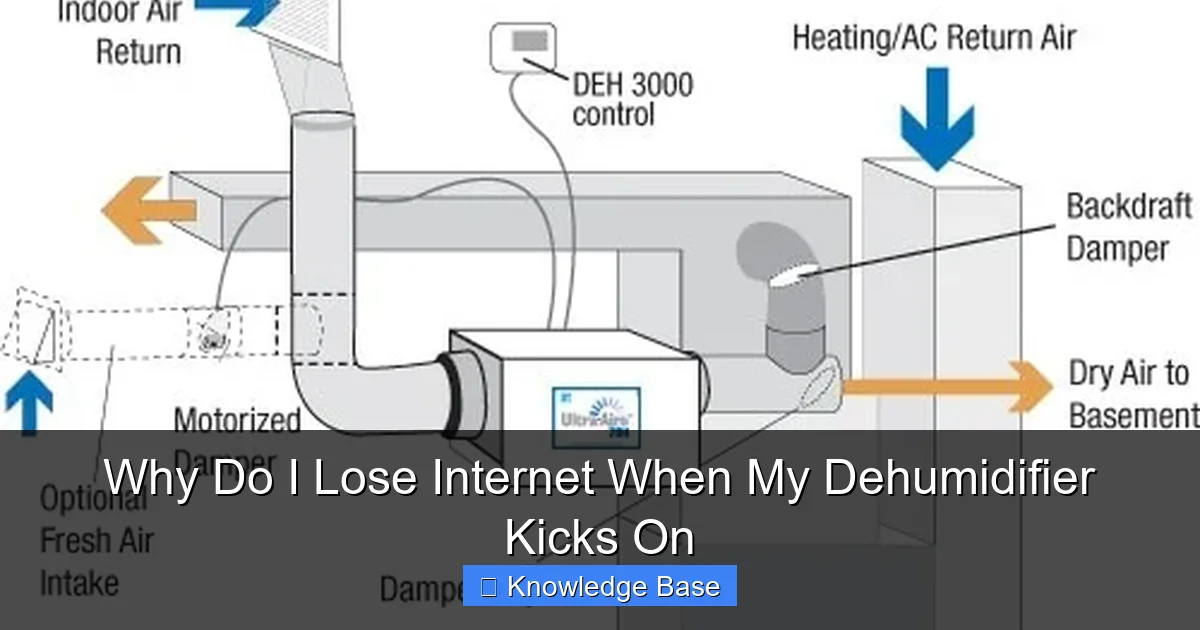
Visual guide about Why Do I Lose Internet When My Dehumidifier Kicks On
Image source: bestdehumidifier.reviews
This problem doesn’t affect everyone equally. Certain setups make it much more likely that your internet will drop when the dehumidifier turns on. Let’s look at some real-world situations where this issue is most common.
Shared Electrical Circuits
If your dehumidifier and your internet equipment (router, modem, or even your computer) are plugged into the same circuit, you’re at high risk. This is especially true in homes with older electrical panels or limited circuits. For example, in many basements, the dehumidifier, washing machine, and entertainment center might all be on the same 15-amp circuit.
When the dehumidifier kicks on, it can cause a noticeable dip in voltage. If your router is on that same circuit, it may not get enough stable power to maintain its connection. Even if it doesn’t fully shut off, the fluctuation can cause packet loss, making your internet feel slow or unresponsive.
Close Physical Proximity
Distance matters—more than you might think. If your router is sitting right next to your dehumidifier, or even in the same room, the risk of interference increases dramatically. The electromagnetic field generated by the dehumidifier’s motor can directly affect the router’s internal components, especially if the router lacks proper shielding.
We’ve seen cases where simply moving the router three feet away from the dehumidifier completely resolved the issue. It’s a simple fix, but one that many people overlook because they assume Wi-Fi signals travel through walls and objects without issue. While that’s true, the router itself is still vulnerable to nearby electromagnetic noise.
Older or Low-Quality Electronics
Not all routers and modems are created equal. Cheaper models often use lower-quality power supplies and less effective shielding against EMI. If you’re using a router that came free with your internet service or one that’s several years old, it may be more susceptible to interference.
Similarly, older dehumidifiers—especially those with worn motors or capacitors—can generate more electrical noise than newer, more efficient models. If your dehumidifier is over 10 years old, it might be time for an upgrade, not just for energy efficiency, but for the sake of your internet connection.
Homes with Poor Electrical Grounding
Grounding is a critical part of your home’s electrical safety system. It helps stabilize voltage and provides a path for excess electricity to safely dissipate. If your outlets aren’t properly grounded, electrical noise from devices like dehumidifiers can travel more freely through your wiring, increasing the chance of interference.
This is more common in older homes or in areas where electrical codes weren’t strictly enforced. If you’ve noticed other electronics acting up—flickering lights, buzzing sounds from speakers, or frequent tripping of breakers—poor grounding could be the underlying issue.
How to Diagnose the Problem
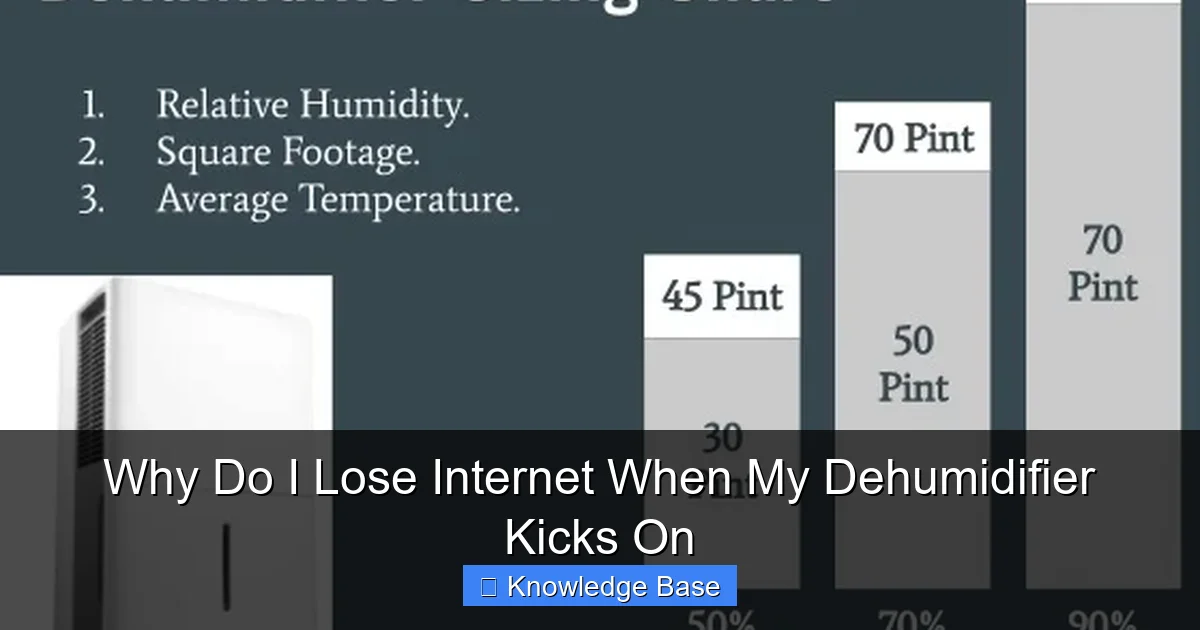
Visual guide about Why Do I Lose Internet When My Dehumidifier Kicks On
Image source: learnmetrics.com
Before you start moving furniture or buying new gadgets, it’s important to confirm that your dehumidifier is actually the cause of your internet woes. Here’s how to test it.
Step 1: Observe the Pattern
Start by paying close attention to when your internet drops. Does it happen only when the dehumidifier turns on? Does it happen every time, or just occasionally? Keep a log for a few days, noting the time, what you were doing online, and whether the dehumidifier was running.
If the disconnections always coincide with the dehumidifier cycling on, you’ve likely found your culprit.
Step 2: Test with the Dehumidifier Off
Turn off the dehumidifier completely—either by unplugging it or switching it off at the circuit breaker. Then, use your internet as normal for a day or two. If your connection remains stable, that’s a strong indicator that the dehumidifier is the source of the problem.
Step 3: Try a Different Outlet or Circuit
Plug your router into a different outlet—preferably one on a different circuit. If your home has multiple breaker panels or separate circuits for different rooms, try moving the router to a bedroom or office outlet instead of the basement or laundry room.
If the problem disappears, it confirms that the issue is related to shared wiring or power fluctuations.
Step 4: Use a Power Monitor (Optional)
For the tech-savvy, you can use a power quality monitor or a smart plug with voltage monitoring to track fluctuations when the dehumidifier starts. These devices can show you exactly how much the voltage drops and whether it’s enough to affect your router.
While not necessary for most people, this can be helpful if you’re troubleshooting a persistent issue or planning to make electrical upgrades.
Practical Solutions to Fix the Issue
Now that you’ve confirmed the problem, it’s time to fix it. The good news is that most cases of dehumidifier-induced internet loss can be resolved with simple, low-cost changes.
Solution 1: Use a Surge Protector or UPS
One of the easiest and most effective fixes is to plug your router and modem into a high-quality surge protector or an uninterruptible power supply (UPS). These devices filter out electrical noise and provide stable power, even when other devices on the circuit draw heavy loads.
Look for a surge protector with EMI/RFI filtering—this specifically targets electromagnetic and radio frequency interference. A UPS goes a step further by providing battery backup, so even if the power dips, your router stays on.
We recommend models like the APC Back-UPS or the Tripp Lite Isobar series, which are known for their superior noise filtering and reliability.
Solution 2: Relocate Your Router
Move your router as far away from the dehumidifier as possible. Even a few extra feet can make a big difference. Avoid placing it on the same shelf, in the same cabinet, or directly next to large appliances.
Ideally, your router should be in a central location, elevated off the floor, and away from metal objects, microwaves, cordless phones, and—yes—dehumidifiers.
If you’re using a mesh Wi-Fi system, consider placing one node in a different room entirely, away from the dehumidifier’s influence.
Solution 3: Plug Devices into Separate Circuits
If possible, plug your dehumidifier and your internet equipment into different electrical circuits. This reduces the chance of power fluctuations affecting your router.
In many homes, the basement or laundry room has its own circuit, while the living room or office shares another. Use a circuit map (often labeled on your breaker panel) to identify which outlets belong to which circuit.
If you’re not sure, you can test it by turning off one breaker at a time and seeing which outlets lose power.
Solution 4: Upgrade Your Router or Modem
If you’re using an older or budget router, consider upgrading to a newer model with better shielding and more robust power management. Modern routers often include features like automatic reboot recovery, better EMI resistance, and dual-band or tri-band Wi-Fi that’s less prone to interference.
Look for routers with external antennas, metal casings, and certifications for electromagnetic compatibility (EMC). Brands like Netgear, ASUS, and TP-Link offer models specifically designed to handle noisy electrical environments.
Solution 5: Install a Dedicated Circuit for the Dehumidifier
For a more permanent fix—especially in humid climates or large homes—consider having an electrician install a dedicated circuit for your dehumidifier. This isolates its power draw from the rest of your home’s electronics, eliminating the risk of interference.
While this involves some cost (typically $150–$300), it’s a smart investment if you rely heavily on your internet connection and run high-capacity dehumidifiers regularly.
Solution 6: Check and Improve Electrical Grounding
If you suspect poor grounding is contributing to the problem, have a licensed electrician inspect your outlets and wiring. They can test for proper grounding and recommend upgrades if needed.
In some cases, simply replacing old two-prong outlets with grounded three-prong outlets can significantly reduce electrical noise.
Preventing Future Issues
Once you’ve solved the problem, take steps to keep it from happening again.
Regular Maintenance of Your Dehumidifier
A well-maintained dehumidifier runs more efficiently and generates less electrical noise. Clean the air filter monthly, check the coils for dust, and ensure the unit is level and stable. A vibrating or unbalanced dehumidifier can create additional electromagnetic interference.
Monitor Your Internet Performance
Use tools like speed test apps or network monitoring software to keep an eye on your connection. If you notice slowdowns or drops, check whether your dehumidifier (or other appliances) are running at the same time.
Consider Smart Plugs or Timers
If your dehumidifier doesn’t need to run 24/7, use a smart plug or timer to control when it turns on. For example, you could set it to run only during off-peak hours when you’re not using the internet heavily.
Some smart plugs even allow you to monitor power usage, so you can see exactly how much current your dehumidifier draws at startup.
When to Call a Professional
While most cases can be fixed with DIY solutions, some situations require expert help.
If you’ve tried all the above steps and your internet still drops when the dehumidifier kicks on, it could indicate a deeper electrical issue—such as overloaded circuits, faulty wiring, or inadequate grounding.
In these cases, contact a licensed electrician. They can perform a full assessment of your home’s electrical system, identify potential hazards, and recommend safe, code-compliant upgrades.
Never attempt to modify your electrical panel or wiring yourself unless you’re qualified. Electricity is dangerous, and improper work can lead to fire, shock, or equipment damage.
Conclusion
Losing internet when your dehumidifier kicks on is more than just an annoying coincidence—it’s a real issue caused by electromagnetic interference, power surges, and poor electrical design. But with the right knowledge and a few simple fixes, you can enjoy both a dry home and a stable connection.
Start by identifying the pattern, testing different outlets, and using a surge protector. Move your router away from the dehumidifier, and consider upgrading your equipment if needed. For persistent problems, don’t hesitate to consult an electrician.
Remember, your home’s electrical system is the backbone of your modern lifestyle. A little attention to how devices interact can go a long way in keeping everything running smoothly—from your Wi-Fi to your dehumidifier.
Frequently Asked Questions
Why does my Wi-Fi go out when my dehumidifier turns on?
Your Wi-Fi drops because the dehumidifier’s motor generates electromagnetic interference (EMI) and causes voltage dips when it starts. This electrical noise can disrupt your router or modem, especially if they’re on the same circuit or close by.
Can a dehumidifier really interfere with my internet?
Yes, it can. While dehumidifiers aren’t designed to emit Wi-Fi signals, their motors and compressors create electrical noise that can interfere with sensitive electronics like routers, particularly during startup.
Will moving my router fix the problem?
Often, yes. Increasing the distance between your router and dehumidifier reduces exposure to electromagnetic fields. Even moving it a few feet away can make a noticeable difference.
Do I need to buy a new dehumidifier?
Not necessarily. Older or poorly maintained units may generate more noise, but most issues can be resolved by improving power quality, relocating devices, or using a surge protector. Only replace it if it’s inefficient or malfunctioning.
Is it safe to plug my router into the same outlet as my dehumidifier?
It’s not recommended. Sharing an outlet or circuit increases the risk of power fluctuations and interference. Use separate outlets—ideally on different circuits—for the best performance and safety.
Can a UPS help prevent internet drops?
Absolutely. A UPS (uninterruptible power supply) provides clean, stable power and protects against surges and dips. It’s one of the most effective ways to shield your router from dehumidifier-related interference.