
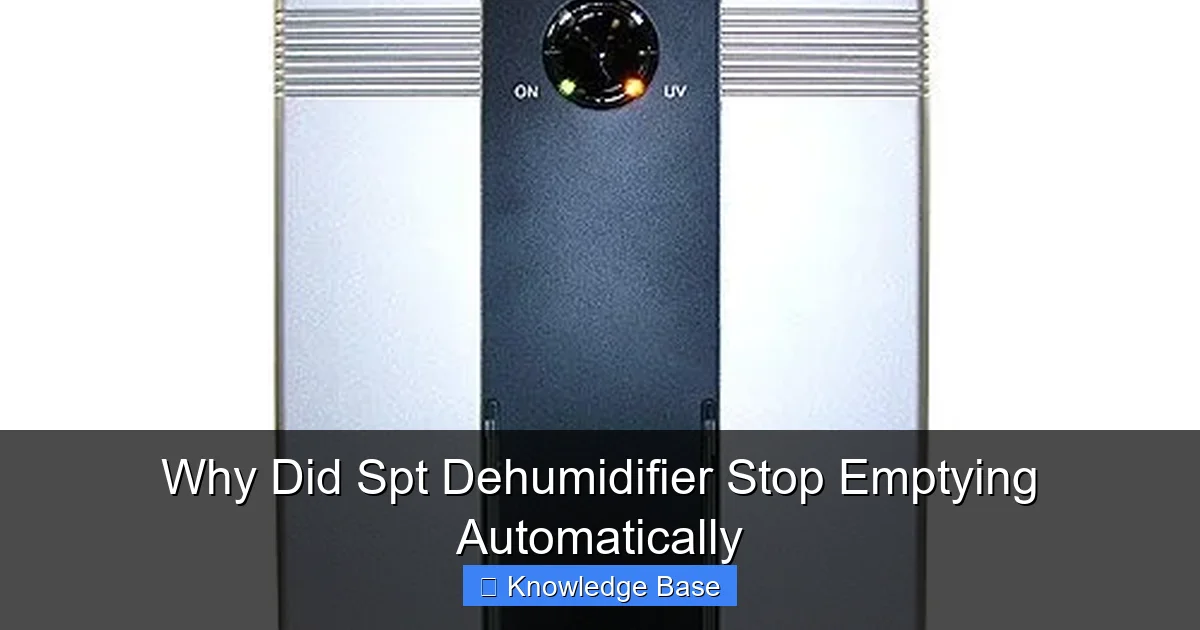
If your SPT dehumidifier has stopped emptying automatically, it’s likely due to a clogged hose, full tank sensor issue, or power interruption. This guide walks you through the most common causes and step-by-step fixes to restore automatic drainage and keep your home comfortable.
Key Takeaways
- Clogged or kinked drainage hose: A blocked or bent hose prevents water from flowing out, stopping automatic emptying.
- Faulty or misaligned tank sensor: The sensor that detects a full tank may be dirty, stuck, or incorrectly positioned, causing the unit to halt drainage.
- Improper setup or installation: If the dehumidifier isn’t level or the hose isn’t connected properly, gravity drainage won’t work.
- Frozen coils or low refrigerant: In cold environments, ice buildup can block airflow and drainage, disrupting the cycle.
- Power interruptions or control board issues: Brief outages or electronic glitches can reset settings or disable auto-drain functions.
- Using the wrong drainage method: Not all SPT models support continuous drainage—check your manual to confirm compatibility.
- Maintenance neglect: Dust, mold, or mineral buildup in the tank or hose can obstruct water flow over time.
📑 Table of Contents
Introduction: The Frustration of a Stuck Dehumidifier
You’ve set up your SPT dehumidifier to make life easier—no more manually emptying the water tank every few hours. You connected the drainage hose, placed it near a floor drain, and let the machine do its job. But one morning, you walk in to find the tank full, the unit beeping, and the automatic emptying feature completely unresponsive. Sound familiar?
It’s a common and frustrating issue. The SPT dehumidifier is known for its reliability and user-friendly design, especially its automatic drainage option. But like any appliance, it can run into problems. When the auto-empty function stops working, it defeats the whole purpose of having a hands-free system. Instead of enjoying dry, comfortable air, you’re back to lifting heavy water buckets and resetting the machine.
The good news? Most of the time, this problem isn’t serious. It’s usually something simple—like a kinked hose or a dirty sensor—that you can fix yourself in under 30 minutes. In this guide, we’ll walk you through the most common reasons why your SPT dehumidifier stopped emptying automatically, how to diagnose the issue, and what steps to take to get it working again. Whether you’re a first-time user or a long-time owner, this troubleshooting guide will help you restore your dehumidifier’s full functionality.
Understanding How Automatic Emptying Works
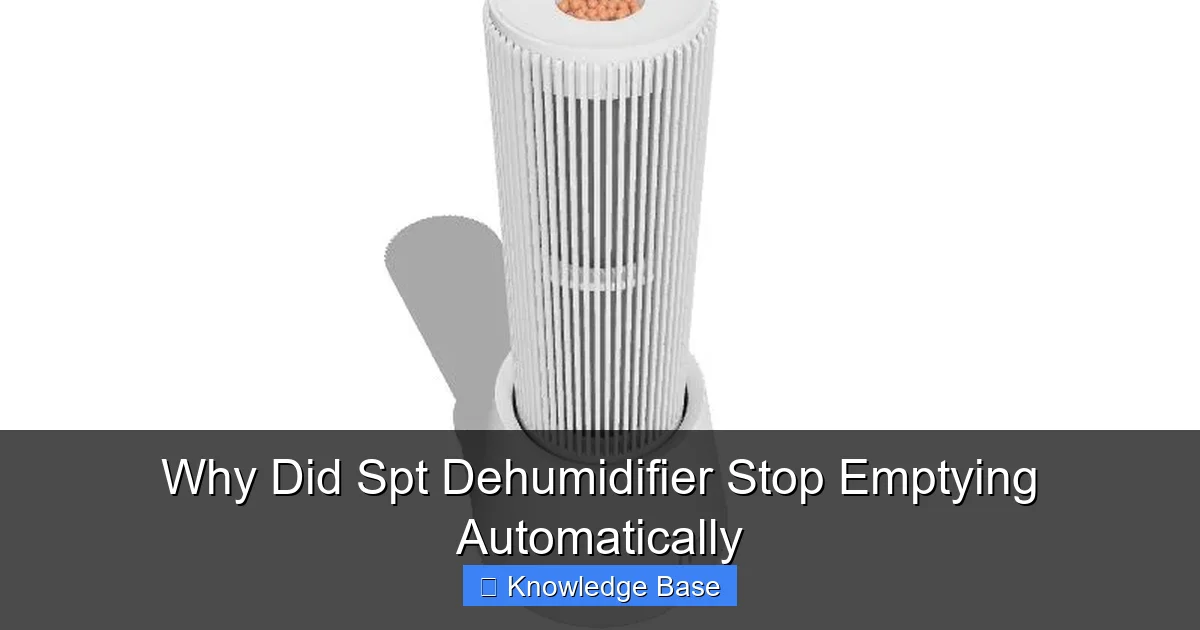
Visual guide about Why Did Spt Dehumidifier Stop Emptying Automatically
Image source: storage.googleapis.com
Before diving into fixes, it’s important to understand how the automatic emptying feature actually works. Most SPT dehumidifiers come with two drainage options: manual (using the built-in tank) and automatic (using a continuous drain hose). When set up correctly, the machine collects moisture from the air, condenses it into water, and then pumps or gravity-feeds that water out through a hose connected to a drain, sink, or sump pump.
The key to automatic emptying is gravity. The hose must be positioned so that water flows downward from the dehumidifier to the drain. There’s no pump in most SPT models—so if the hose isn’t sloped correctly, water won’t move. Some higher-end models may include a built-in pump, but the majority rely on proper hose placement.
Additionally, the dehumidifier uses a float sensor inside the water tank to detect when it’s full. Even when using continuous drainage, this sensor acts as a safety backup. If the hose gets clogged or the drain backs up, the tank will eventually fill up. When the float rises, it triggers the sensor to shut off the compressor and alert you with a light or beep. This prevents overflow and water damage.
So, when automatic emptying stops, it’s usually because one of these systems—drainage flow, sensor function, or power—has been disrupted. The next sections will break down each potential cause and how to address it.
Common Causes and How to Fix Them
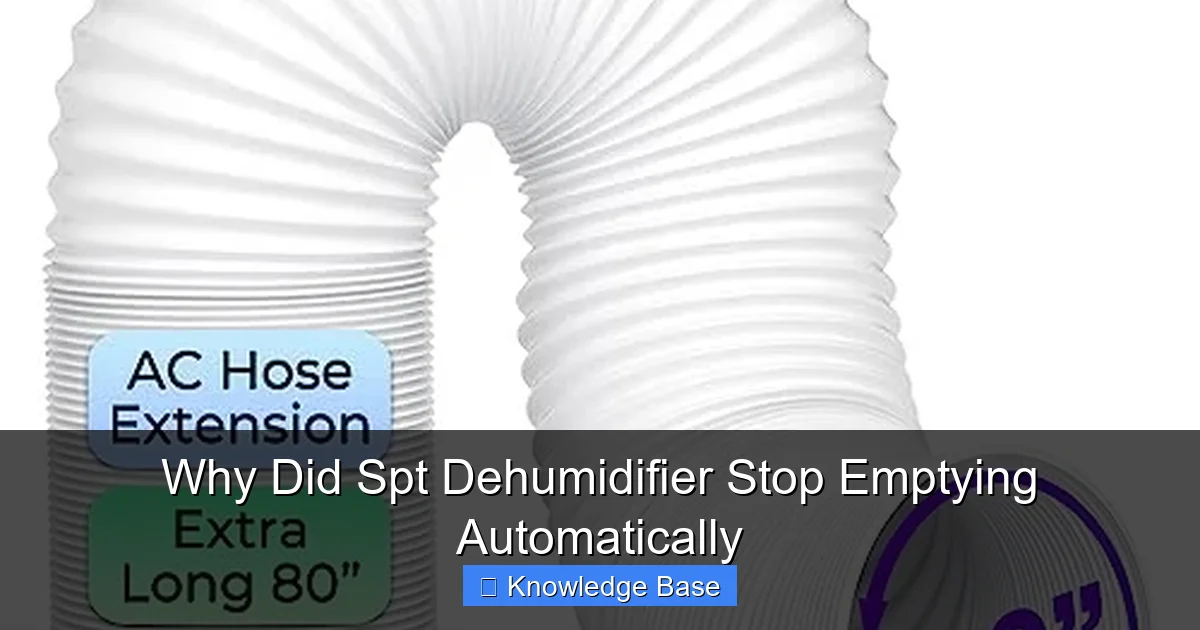
Visual guide about Why Did Spt Dehumidifier Stop Emptying Automatically
Image source: m.media-amazon.com
1. Clogged or Kinked Drainage Hose
One of the most frequent reasons an SPT dehumidifier stops emptying automatically is a blocked or bent drainage hose. Over time, mineral deposits, mold, or debris can build up inside the hose, especially if you’re using hard water or the unit runs frequently. A kinked hose—often caused by poor placement or furniture pressing against it—can also stop water flow completely.
To check this, first disconnect the hose from the dehumidifier and inspect it visually. Look for bends, twists, or visible blockages. Run water through the hose manually to see if it flows freely. If it doesn’t, try using a pipe cleaner or a long, flexible brush to clear the clog. For stubborn mineral buildup, soak the hose in a mixture of vinegar and water for 30 minutes, then rinse thoroughly.
Pro tip: Use a smooth, rigid hose instead of a corrugated one. Corrugated hoses are more prone to trapping debris and kinking. Also, ensure the hose is as short as possible while still reaching the drain—longer hoses increase the chance of sagging and blockages.
2. Faulty or Misaligned Tank Sensor
Even when using continuous drainage, the float sensor in the water tank plays a critical role. If the sensor is dirty, stuck, or misaligned, it may falsely detect a full tank and shut off the dehumidifier—even if the hose is working perfectly.
To test the sensor, remove the water tank and locate the float mechanism (usually a small plastic piece that moves up and down). Gently lift and lower it to see if it moves freely. If it’s stuck, clean it with warm, soapy water and a soft cloth. Avoid using harsh chemicals, as they can damage the plastic.
Also, check the sensor’s position. Some models have a small switch or lever that must be properly seated when the tank is inserted. If the tank isn’t pushed in all the way, the sensor won’t register correctly. Make sure the tank clicks into place securely.
If cleaning and repositioning don’t work, the sensor itself may be faulty. In that case, contact SPT customer support or consider replacing the tank assembly if it’s a common wear item.
3. Improper Setup or Installation
Automatic drainage only works if the system is set up correctly. If your dehumidifier isn’t level, the water may not flow toward the drain hose. Similarly, if the hose isn’t positioned lower than the outlet on the unit, gravity won’t do its job.
Start by placing the dehumidifier on a flat, stable surface. Use a level tool to confirm it’s even. Then, check the hose routing. It should run downward in a smooth, uninterrupted slope to the drain. Avoid loops, sharp bends, or sections that dip below the drain point—these can trap air or water.
Also, ensure the hose is securely attached to both the dehumidifier and the drain. A loose connection can cause leaks or airlocks, which prevent proper flow. Use zip ties or hose clamps if necessary to keep it in place.
If you’re draining into a sink or bucket, make sure the hose is submerged slightly to prevent air from entering the system. An airlock can stop water flow even if the hose is clear.
4. Frozen Coils or Low Refrigerant
In colder environments—like basements or garages during winter—the coils inside your dehumidifier can freeze. When this happens, the unit stops removing moisture from the air, and the drainage system halts because no water is being produced.
Frozen coils are often caused by low refrigerant levels or restricted airflow. If the air filter is clogged, the fan can’t pull enough air over the coils, causing them to drop below freezing. Similarly, if the room temperature is below 65°F (18°C), most dehumidifiers struggle to operate efficiently.
To fix this, turn off the dehumidifier and let it sit for several hours to thaw. Clean or replace the air filter, and ensure there’s at least 6–12 inches of clearance around the unit for proper airflow. If the problem persists, it may indicate a refrigerant leak, which requires professional repair.
Once thawed, restart the unit and monitor it. If it freezes again quickly, avoid using it in cold spaces unless it’s specifically rated for low-temperature operation (look for “cold climate” or “low-temp” models).
5. Power Interruptions or Control Board Issues
Brief power outages, surges, or brownouts can reset your dehumidifier’s settings or cause the control board to malfunction. Some SPT models may revert to manual mode after a power interruption, disabling the auto-drain function.
Check your unit’s display or indicator lights. If it’s showing error codes or behaving erratically, try unplugging it for 5–10 minutes, then plug it back in. This can reset the internal electronics and restore normal operation.
If the problem continues, the control board or drainage relay may be faulty. This is less common but can happen after years of use or electrical damage. In such cases, contact SPT support for repair options or consider replacing the unit if it’s older than 5–7 years.
6. Using the Wrong Drainage Method
Not all SPT dehumidifiers support continuous drainage. Some models are designed only for manual tank emptying. If you’ve attached a hose to a unit that doesn’t have a drain port, it won’t work—and could even cause leaks.
Check your user manual to confirm whether your model supports automatic drainage. Look for a labeled drain outlet on the back or side of the unit. If there isn’t one, you’ll need to empty the tank manually or consider upgrading to a model with continuous drain capability.
Even if your model supports it, make sure you’re using the correct hose size and type. Most SPT units require a 5/16” or 1/4” inner diameter hose. Using a hose that’s too large or too small can lead to leaks or poor flow.
Preventive Maintenance Tips
To avoid future issues with automatic emptying, regular maintenance is key. Here are some simple steps to keep your SPT dehumidifier running smoothly:
- Clean the water tank weekly: Rinse it with warm, soapy water and a small amount of vinegar to prevent mold and slime buildup.
- Inspect the drainage hose monthly: Check for kinks, clogs, or wear. Replace it every 1–2 years if it becomes brittle or discolored.
- Replace the air filter every 1–3 months: A clean filter ensures proper airflow and prevents coil freezing.
- Keep the area around the unit clear: Avoid placing boxes, furniture, or curtains near the vents.
- Use a surge protector: This protects the control board from power fluctuations.
- Run the unit regularly: Even in dry seasons, run it for a few hours weekly to keep internal parts lubricated and prevent seals from drying out.
By following these tips, you’ll extend the life of your dehumidifier and reduce the chances of drainage problems.
When to Call a Professional
While most auto-drain issues can be fixed at home, some problems require expert help. If you’ve tried all the troubleshooting steps and your SPT dehumidifier still won’t empty automatically, it may be time to contact a technician. Signs that you need professional assistance include:
- Persistent error codes that don’t clear after resetting
- Visible damage to the control board or wiring
- Refrigerant leaks (indicated by oily residue near coils)
- Unusual noises like grinding or clicking from the compressor
- Water leaking from the unit even when the hose is disconnected
SPT offers customer support through their website and phone line. Have your model number and purchase date ready when you call. In some cases, they may offer free repairs under warranty or discounted replacement parts.
Conclusion: Get Your Dehumidifier Back on Track
A dehumidifier that stops emptying automatically can be a real headache—but it’s rarely a sign of a major breakdown. In most cases, the issue stems from something simple like a clogged hose, a dirty sensor, or improper setup. By understanding how the system works and following the steps in this guide, you can quickly diagnose and fix the problem.
Remember, regular maintenance is the best way to prevent future issues. Clean the tank, check the hose, and keep the filter fresh. And if you’re ever unsure, don’t hesitate to consult the user manual or reach out to SPT support.
With a little troubleshooting and care, your SPT dehumidifier will keep your home dry, comfortable, and hassle-free—just the way it was designed to be.
Frequently Asked Questions
Why is my SPT dehumidifier not draining even with the hose connected?
This is usually due to a clogged or kinked hose, improper slope, or a faulty sensor. Check the hose for blockages, ensure it’s sloped downward, and clean the tank sensor.
Can I use any hose for continuous drainage on my SPT dehumidifier?
No, use a smooth, rigid hose with the correct inner diameter (usually 5/16” or 1/4”). Corrugated or oversized hoses can cause clogs or leaks.
How often should I clean the drainage hose?
Inspect and clean the hose monthly, especially if you use hard water. Soak it in vinegar solution if you notice mineral buildup.
Will a power outage affect the auto-drain function?
Yes, brief outages can reset the control board and disable auto-drain. Unplug the unit for 10 minutes to reset it.
Can frozen coils stop the dehumidifier from draining?
Yes, frozen coils halt moisture removal, so no water is produced to drain. Let the unit thaw and clean the air filter to prevent recurrence.
Is continuous drainage available on all SPT dehumidifiers?
No, only models with a designated drain port support continuous drainage. Check your manual or look for a hose outlet on the unit.